Have you ever noticed how many local businesses have bad visuals? Blurry menus, flyers that look like they’re from 2009, promo posts thrown together in five minutes on a phone.
It’s not that the owners don’t care. Good design has always been expensive, slow, or a skill they just don’t have.
That’s the problem Local Biz Visuals Domination is built to solve. It uses AI to make clean menus, flyers, and promo posts in seconds — no design skills and no paid tools needed. If you’re already familiar with modern AI video generators, you’ll notice it’s the same trend: AI is making professional-quality content creation accessible to anyone. In this Local Biz Visuals Domination Review, I’ll show you if it really lives up to that.
So does it work? I bought it and tested the whole thing. I’ll walk you through what’s inside, what the visuals actually look like, and who it’s a good fit for (and who should skip it).
By the end of this Local Biz Visuals Domination Review, you’ll know if it’s worth the money. Let’s get started.
Local Biz Visuals Domination: The Quick Verdict
Short on time? Here’s the bottom line before we dig in.
Local Biz Visuals Domination is a shortcut for making local business graphics with AI. Instead of guessing what to type, you pick a business and a visual, and the app builds the AI prompt for you. Then you paste it into a free tool like ChatGPT or Gemini and get your image.
It’s made for beginners, not designers. If you already know how to write good AI prompts, you probably don’t need it.
Best for: beginners, side hustlers, and freelancers who want to sell simple graphics to local businesses.
Skip it if: you’re already comfortable with AI image prompts, or you need polished, brand-perfect design work.
Price: $37, one-time — no subscription.
Guarantee: 14-day money-back.
My rating: 9.4/10
Local Biz Visuals Domination at a Glance
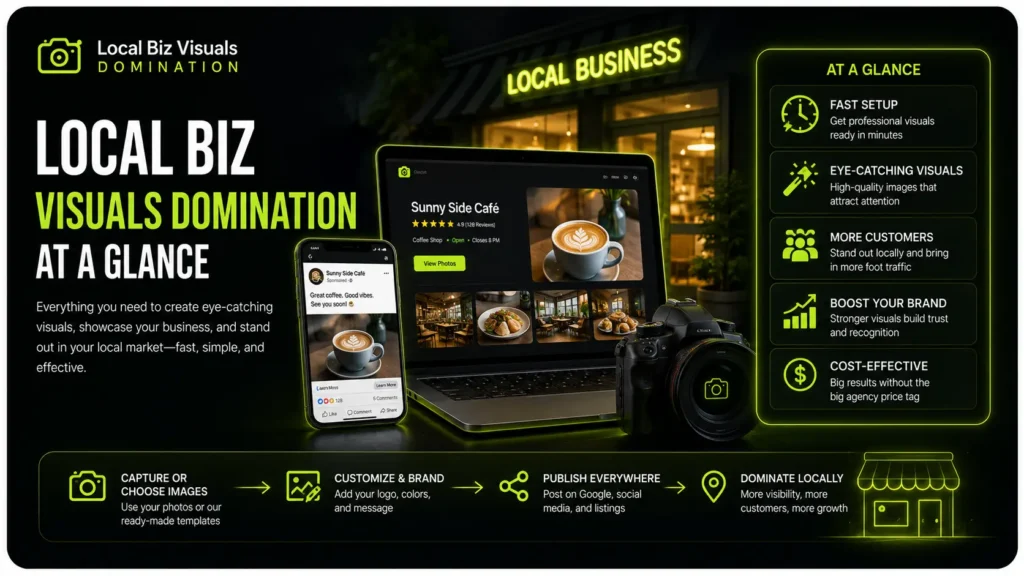
Before we get into how it works, here’s a quick snapshot of what you’re actually buying.
One thing to know upfront: this isn’t software that makes the images for you. It’s a tool that writes the AI prompt for you, and then you paste that prompt into a free AI tool to create the visual. Keep that in mind as you read the specs below.
- Product: Local Biz Visuals Domination
- Creator: Daniele Melandri
- What you get: A prompt-builder web app, a PDF guide, a video walkthrough, and 3 bonuses
- Type of product: An AI prompt tool for local business graphics — not a design app
- Skill level: Beginner-friendly, no design experience needed
- Works with: Free AI tools like ChatGPT, Gemini, Grok, or Claude
- Price: $37, one-time (no subscription)
- Guarantee: 14-day money-back
- Official page: Check from here
What Is Local Biz Visuals Domination?
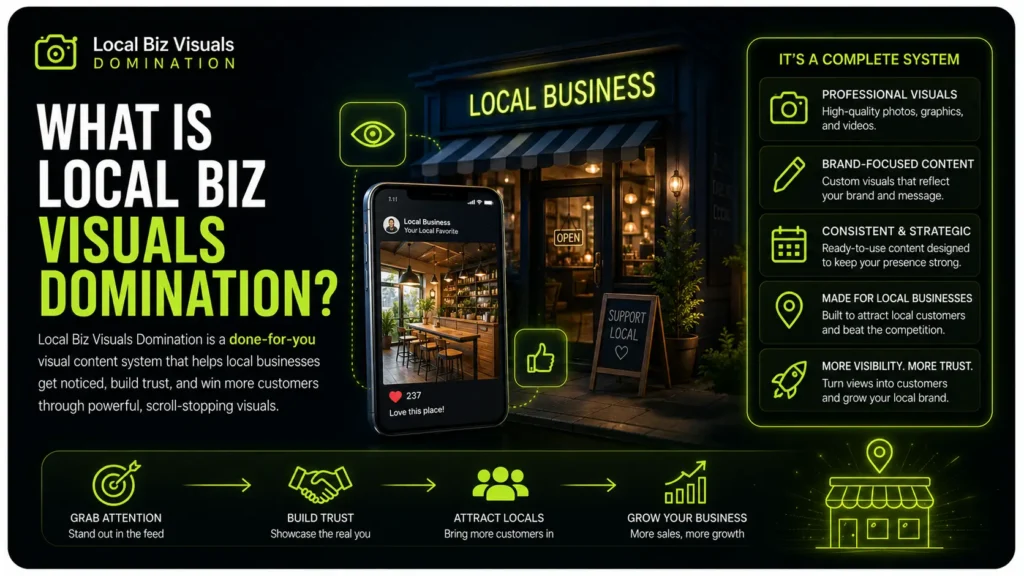
So what exactly is this thing? In simple terms, Local Biz Visuals Domination is a guide plus a web app built for one job: creating visuals for local businesses with AI.
Here’s the idea behind it. If you’ve ever tried to make a menu or a flyer with ChatGPT, you already know the problem — generic prompts give you generic results.
A restaurant menu, a barbershop price list, and a real estate flyer all need very different instructions to come out right.
That’s the part this tool does for you. You pick the business type and the visual you need, fill in a few simple fields like the business name and the offer, and it builds a detailed, ready-to-use prompt. Then you just copy it and paste it into your AI tool.
Inside, it covers 20 local business types — restaurants, gyms, salons, dentists, real estate, and more — with 85 visual generators in total.
That includes menus, flyers, promo posts, price lists, business cards, and social media graphics.
There’s also a Multi-Page Mode for bigger jobs like full menus and price list booklets, so every page keeps the same style instead of looking mismatched.
How Local Biz Visuals Domination Works
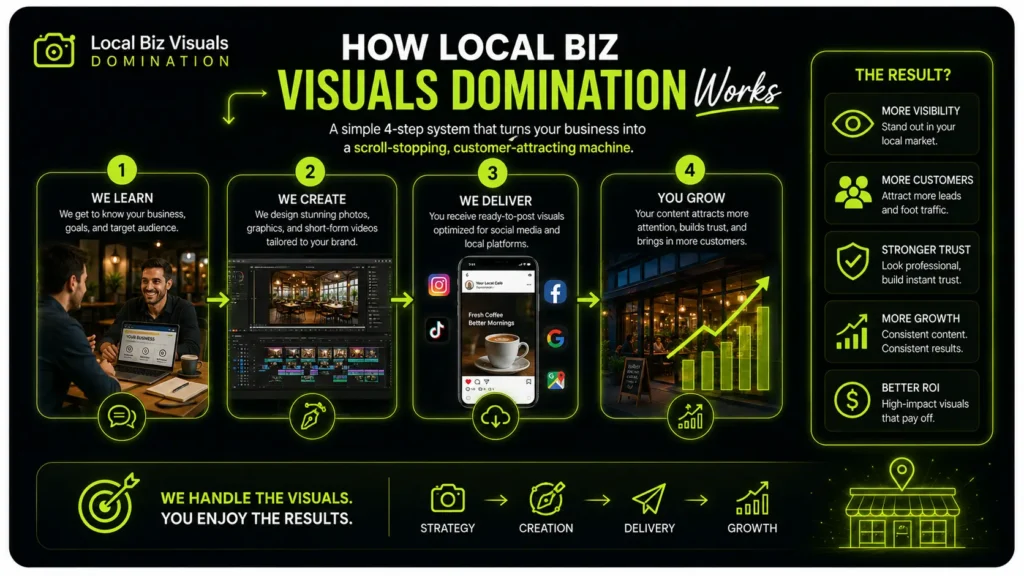
The whole thing is built to be simple, and the steps are the same every time. Let me walk you through it with a quick example — say you run a pizzeria and want a promo post for a lunch deal.
- Pick the business type. You’d choose Restaurant / Pizzeria from the list of 20 options.
- Pick the visual you need. Here you’d select “Promo Post,” but you could just as easily pick a menu, a flyer, or a price list.
- Fill in a few simple fields. You type in the details, like your business name and the offer (“2 pizzas for $15”), then click “Generate My Prompt.”
- Copy and paste into your AI tool. The app hands you a full, detailed prompt. You drop it into a free tool like ChatGPT or Gemini, and it creates the image for you.
That’s really it. No writing prompts from scratch, no guessing, and no design software. It also runs right in your browser, so it works the same on your phone, tablet, or computer.
So the process is easy — that part is clear. The real question is how good the finished visuals actually look, and that’s exactly what I’ll break down next.
What Do the Visuals Actually Look Like?
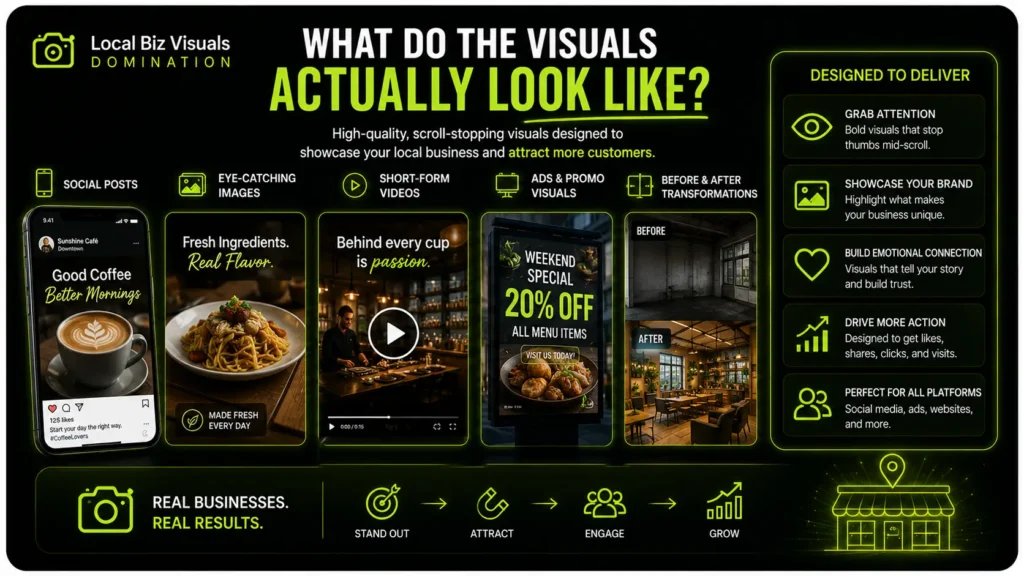
This is the part that really matters. Any tool can promise “stunning graphics in seconds” — what counts is what shows up on your screen after you paste the prompt.
The prompts are built to make specific, usable business graphics, not random AI art. To give you a feel: a barbershop price list in clean black and gold with the services and prices laid out, a café happy-hour post that turns “2-for-1 cocktails, 5–7 PM” into a bold, share-ready promo, and a two-page Italian restaurant menu that holds the same rustic red-and-cream style across both pages with Multi-Page Mode. Those are the kinds of results shown in the product’s walkthrough.
So the range is wide — menus, price lists, flyers, promo posts, social stories, business cards, and more.
Now the honest part.
What you actually get depends a lot on which AI tool you paste the prompt into. Local Biz Visuals Domination writes the instructions, but ChatGPT, Gemini, or Grok is what draws the image. A strong prompt in a weaker tool still gives you a weaker result.
Here’s the pattern to expect:
- Simple, low-text visuals come out best. Promo posts, stories, and basic flyers are where AI image tools shine right now, and they’re usually ready to use fast.
- Text-heavy visuals are the tricky part. Full menus and detailed price lists cram in a lot of words, and that’s exactly where AI still slips — a misspelled item, a wrong price, or odd spacing. Expect to regenerate once or twice, or fix a small detail, before one of these is client-ready.
None of that makes it a bad product. It just means it’s not a magic button. You’re still the one who checks the spelling, confirms the prices, and picks the best version out of a few tries. Treat it as a fast, well-built head start — not a hands-off machine — and you’ll get real use out of it.
The Pros: What Local Biz Visuals Domination Gets Right
The Pros: What Local Biz Visuals Domination Gets Right
No tool is perfect, but this one does a few things really well. Here’s what stood out to me.
- The app does the hard part for you. Most “prompt products” are just a PDF full of prompts you have to dig through and copy. This one is different. You pick a business, pick a visual, fill in a couple of fields, and it writes the full prompt for you.
- The prompts are built for each specific business. A restaurant menu, a barbershop price list, and a real estate flyer all get different instructions. That’s why the results fit the business instead of looking generic and samey.
- Multi-Page Mode is a genuine standout. Keeping several menu pages in the exact same style is something most AI users have no idea how to do. The app handles it for you, so a two-page menu comes out looking like one matching set.
- It works with free AI tools. You don’t need a paid ChatGPT plan or any design subscription to get going. Pick your favorite free tool, paste the prompt, and you’re off.
Add a one-time price and the fact that you need zero design skills, and it’s easy to see why this is a low-risk pick for a beginner.
The Cons: Where Local Biz Visuals Domination Falls Short
Honesty is the whole point of this review, so let me be just as clear about the weak spots. None of these are dealbreakers, but you should know them before you buy so nothing catches you off guard later.
- It doesn’t make the image — it makes the prompt. This is the biggest thing to understand. The app writes the instructions for you, but you still need a separate AI tool like ChatGPT or Gemini to create the actual graphic. So the final result is only as good as the tool you paste it into.
- Text-heavy visuals often need fixing. AI image tools still struggle with lots of small text, so menus and detailed price lists can come back with a misspelled word, a wrong price, or awkward spacing. You’ll want to proofread every graphic and regenerate a couple of times before it’s ready for a client.
- It won’t get you clients. The product gives you the graphics, but not the customers. You still have to do the outreach, send samples, set your prices, and deliver the work. That “$30–$500 per graphic” figure on the sales page is a best case, not a promise — what you actually earn comes down to your own effort.
- The front end is just the starting point. Once you buy, there’s a stack of paid upgrades waiting. Some genuinely handy extras — like 40+ more business types in the PRO version — sit behind those upsells, so the main product can feel like the entry level.
- Free AI plans come with limits. Since it leans on free tools, you may run into daily caps, slower speeds, or queues at busy times. That’s not the product’s fault, but it does affect how fast you can actually get work done.
So no, it’s not a magic button. It’s a smart shortcut — and going in knowing that is exactly how you get your money’s worth out of it.
Pricing and Upsells: What Local Biz Visuals Domination Really Costs
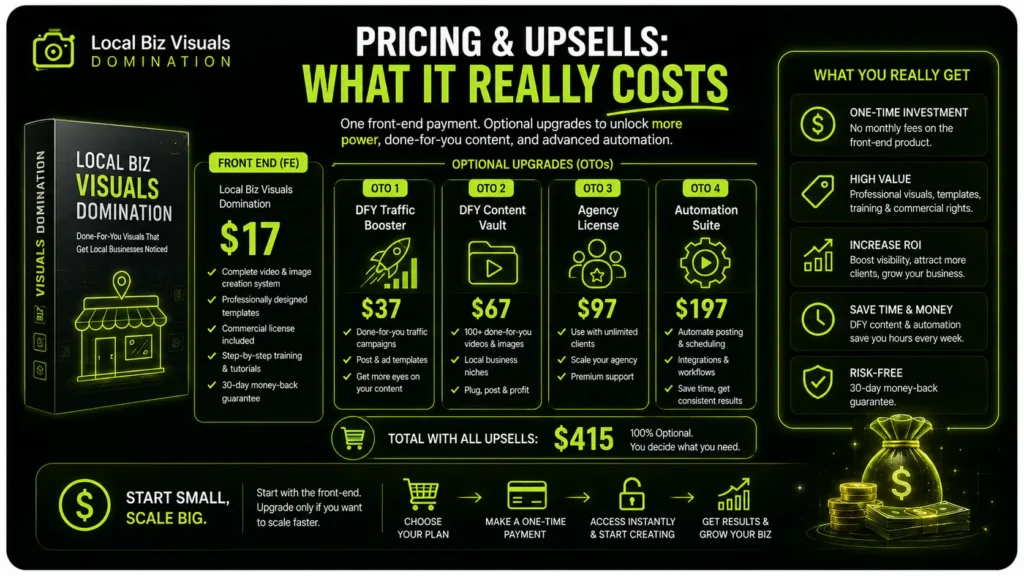
Here’s exactly what you’ll pay and what you get for it, because the price is one of the best things about this product.
The main product (the front end) is a one-time payment of $37. There’s no subscription and no monthly fee — you pay once and keep lifetime access. That covers everything that makes the tool work: the Prompt Builder web app, all 85 visual generators across the 20 business types, Multi-Page Mode, the PDF guide, the video walkthrough, and the three bonuses. You’re also protected by a 14-day money-back guarantee, so you can try it and get a refund if it’s not for you.
For $37, that’s a lot of value, especially if you plan to use it again and again rather than make one or two graphics.
But there’s something you should know before you buy: the front end is just the entry point. Once you’re in, you’ll be offered a stack of optional paid upgrades. You don’t need any of them to use the main product, but a few genuinely useful features live behind them. Here’s the honest rundown so nothing surprises you at checkout:
- PRO Edition — $47. Adds 40+ more business types, plus tools for saving client brand profiles and turning one prompt into several formats. This is the one most people will actually eye, since it widens who you can sell to.
- Clients Machine — $47. Focuses on the sales side — how to land paying local clients. Useful if getting clients is the part you’re worried about, skippable if you already know how to sell.
- Local Social Engine — $37. Builds full 7, 14, or 30-day social content plans so you can offer clients a monthly package instead of one-off graphics. Best for freelancers wanting recurring income.
- ChatGPT Visuals Domination 2.0 — $37. A separate toolkit with 30 more visual use cases for ChatGPT, beyond just local business stuff. Handy if you want to create visuals more broadly.
- AI Traffic Arsenal — $37. 50 ways to drive traffic to offers and links. Only relevant if traffic is a goal for you — it’s a bit off to the side of the main product.
- Agentic AI Masterclass — $27. Training on using AI to handle bigger tasks. A nice-to-have, not essential to this product.
My honest take: the $37 front end stands on its own and gives you plenty to work with. Treat the upgrades as optional — grab one only if it solves a problem you actually have, not because it’s dangled in front of you. And every upgrade carries its own money-back guarantee, so there’s no big risk either way.
Can You Really Make Money With Local Biz Visuals Domination?
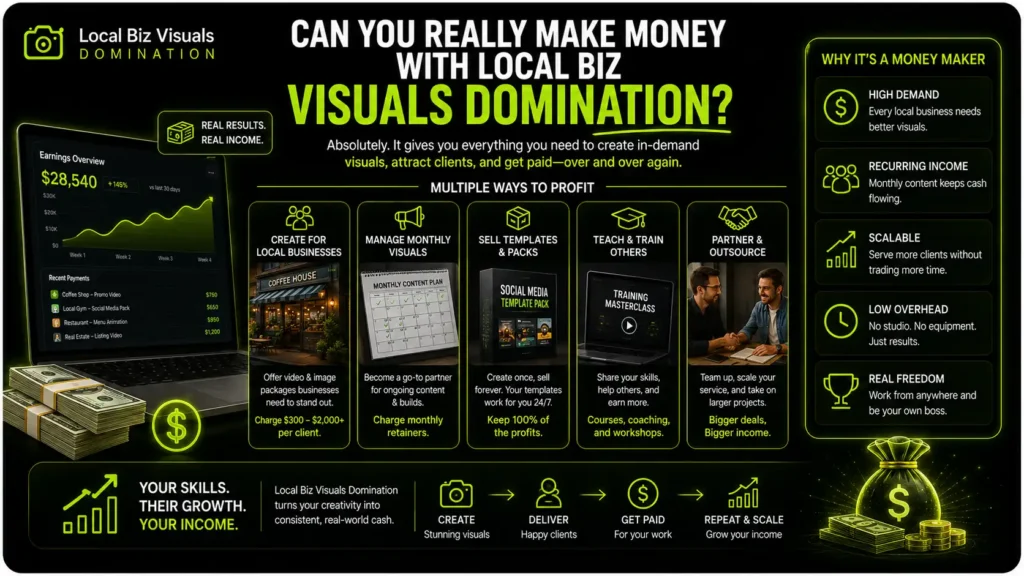
This is the big promise behind the product, so let’s talk about it honestly. The short answer: yes, there’s a real opportunity here — but it depends far more on you than on the tool.
Here’s the good part. The demand is genuine. Local businesses need fresh graphics all year round — new menus, seasonal promos, holiday posts, event flyers, updated price lists. It never really stops. And most owners don’t have the time or skill to make these themselves, which is exactly the gap you’d be filling.
There are a few realistic ways people use this to earn:
- One-off graphics. A single flyer, menu, or promo post for a business that needs something quick.
- Monthly packages. This is where the real money is. Instead of a one-time job, you handle a business’s social graphics every month for a set fee. Steady, repeat income.
- Menu or price-list redesigns. A common, easy-to-sell service, since so many local menus genuinely look dated.
- Seasonal and event bundles. Holiday campaigns, grand openings, special promotions — businesses expect to pay for these.
Now the honest part you won’t see on the sales page.
The tool gives you the product, but not the customers. It won’t find clients for you. You still have to reach out to businesses, show them samples, explain what you offer, set your prices, handle any changes they want, and deliver the work professionally. That’s the actual job — the graphics are just the thing you’re selling.
The “$30–$500 per graphic” figure is a real range for what design work can sell for, but treat it as a ceiling, not a guarantee. What you actually earn comes down to the quality of your visuals, how well you pitch, your prices, and whether clients come back.
So can you make money with it? Absolutely — plenty of people sell simple graphics to local businesses every day. Just go in knowing this is a small business you’re building, not a money button you press. The tool removes the hardest technical part. The selling is still on you.
Who Is Local Biz Visuals Domination Actually For?
By now you’ve seen what it does well and where it falls short. So let’s answer the question in the title directly: is this actually for you? The honest way to decide is to see yourself in one of these groups — or not.
It’s a great fit if you’re:
- A complete beginner. If you’ve got no design skills and don’t know how to write AI prompts, this hands you both. It’s probably the easiest starting point you’ll find.
- A side-hustler or freelancer. If you want to sell simple graphics to local businesses, this gives you a ready-made service with plenty of deliverables and niches to offer.
- A social media manager or small agency. If you already handle local clients, this speeds up your graphics so you can produce more in less time.
- A local business owner. If you’d rather make your own menus and promos than pay a designer for every small update, this pays for itself fast.
You should probably skip it if you’re:
- An experienced designer. If you already use Photoshop or Canva well, you don’t need prompt help — and you’ll miss the manual control the app doesn’t give you.
- Already fluent with AI prompts. If you can write detailed image prompts yourself, you’re paying for a shortcut you don’t really need.
- Expecting it to find clients for you. If you want customers handed to you automatically, this isn’t that. It makes the graphics; the selling is still your job.
- Not willing to check the output. If you won’t proofread menus and prices or regenerate an imperfect result, the mistakes will slip through to your clients.
The simple test: if you’re a beginner or someone who wants to sell graphics without learning design software, this is built for you. If you’re a pro who needs full creative control, your current tools are already a better fit.
Is Local Biz Visuals Domination Worth It?
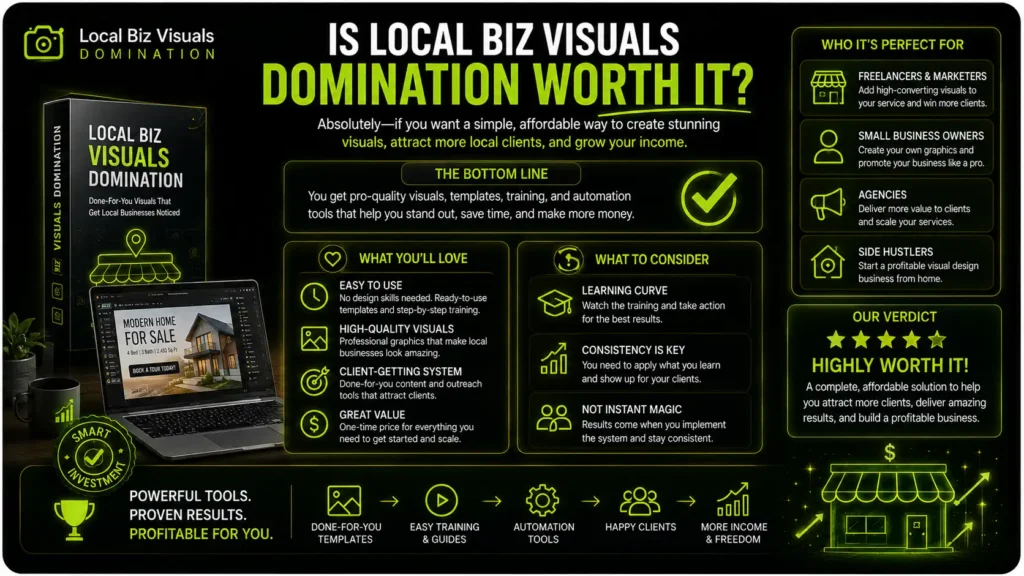
So, after going through everything, here’s where I land.
Local Biz Visuals Domination does exactly what it sets out to do. It takes the hardest part of making local business graphics — knowing what to type into an AI tool — and does it for you. You pick a business, pick a visual, fill in a few details, and you’ve got a solid prompt ready to paste. For a beginner, that’s a genuinely smart shortcut.
The 20 business types and 85 generators give you a lot to work with, Multi-Page Mode is a real standout for menus, and the one-time $37 price with a 14-day guarantee keeps the risk low.
Just remember what it is and what it isn’t. It writes the prompt; a free tool like ChatGPT makes the actual image. Text-heavy visuals like menus will need a proofread and maybe a redo. And it gives you the graphics, not the clients — the selling is still on you.
So who should buy it? If you’re a beginner, a side-hustler, or a freelancer who wants to create and sell simple graphics without learning design software, it’s easy to recommend and hard to beat at this price. If you’re an experienced designer who wants full control, stick with the tools you already know.
My advice? Don’t buy it because the sales page is exciting. Buy it because it fits what you’re actually trying to do. If it does, this is a low-cost, practical tool that earns its place.
My rating: 9.4/10
Frequently Asked Questions
Got a few quick questions before you decide? Here are the ones people ask most about Local Biz Visuals Domination.
Does Local Biz Visuals Domination create the graphics for me?
Not quite. The app writes a detailed prompt for you, and then you paste that prompt into an AI image tool like ChatGPT or Gemini, which makes the actual graphic. Think of it as the tool that tells the AI exactly what to draw.
Do I need to pay for ChatGPT or any other tool?
No. Everything works with the free versions of tools like ChatGPT, Gemini, Grok, and Claude. Just keep in mind that free plans can have daily limits or slower speeds at busy times.
Do I need design skills or software like Canva or Photoshop?
None at all. That’s the whole point of it. The AI creates the full image, so there’s no design work, no editing software, and no learning curve on your end.
Can beginners really use this?
Yes. If you can type a few details into a form and click a button, you can use it. The included guide and video walk you through the whole process step by step.
Are the AI visuals good enough for real clients?
For simple graphics like promo posts and flyers, they can look great right away. For text-heavy ones like menus and price lists, you’ll want to proofread carefully and sometimes regenerate, since AI can slip up on small text. Always check the final result before sending it to a client.
Can I sell the graphics I make?
Yes, that’s a big part of what it’s built for. You can create visuals for local businesses as a paid service. Just remember your income depends on your own outreach, pricing, and the quality of your work — not on the tool alone.
Do I have to work with businesses in my own city?
No. You can serve local businesses nearby or work with clients anywhere, since everything is created and delivered online.
Is it a subscription, and is there a refund policy?
It’s a one-time payment with lifetime access — no monthly fees. And it comes with a 14-day money-back guarantee, so you’ve got time to try it risk-free.