10 Top AI Video Generators for Instagram Viral Reels (2026 Guide)
10 Top AI Video Generators for Instagram Viral Reels (2026 Guide)
Have you ever been scrolling through Instagram and suddenly stopped because a Reel looked too good to be real?
Maybe it was a cinematic travel video, an AI influencer, a talking animal, or a realistic scene that already had millions of views. You probably wondered, “How did they make this?”
Then a few more questions came to mind:
- Which AI Video Generators are creators using?
- Are these AI Video Generators free or paid?
- Can beginners create videos like this?
- Which AI tool creates the most realistic Instagram Reels?
If you’ve been asking these questions, you’re in the right place.
The truth is, many of today’s viral Instagram Reels are powered by AI.
But with so many AI Video Generators available today, it can be difficult to know which ones are actually worth your time.
In this guide, I’ll explore the best AI Video Generators for creating viral Instagram Reels in 2026.
You’ll learn what each tool does, its key features, pros and cons, pricing, and who it’s best for.
By the end of this guide, you’ll have a clear idea of which AI video generator is the right choice for your content and budget.
Let’s get started.
How I Chose These AI Video Generators
There are hundreds of AI Video Generators available today, but not all of them are capable of creating Instagram Reels that people actually stop and watch.
Some produce amazing results, while others still struggle with realistic motion, prompt accuracy, or video quality.
If you’re looking for an all-around comparison before diving into Instagram-focused tools, I also recommend checking out my guide on the Best AI Video Generators of 2026, where I compare the top platforms for different use cases. It will give you a broader understanding of what’s available before choosing the right tool for creating viral Reels.
Instead of listing every tool I could find, I selected the AI Video Generators that creators are genuinely using to make viral short-form videos in 2026.
While putting together this guide, I looked at a few important factors:
- Video quality and realism
- Prompt understanding
- Speed of video generation
- Ease of use for beginners
- Free plan and pricing
- Features for creating Instagram Reels
- Overall value for content creators
Some of these tools are perfect for creating cinematic AI videos, while others are better for AI avatars, storytelling, or marketing content.
That’s why I don’t recommend a single tool for everyone.
Instead, I’ll explain what each platform does best so you can choose the one that fits your content style and goals.
Let’s start with one of the most impressive AI Video Generators available right now.
1. Seedance 2.0
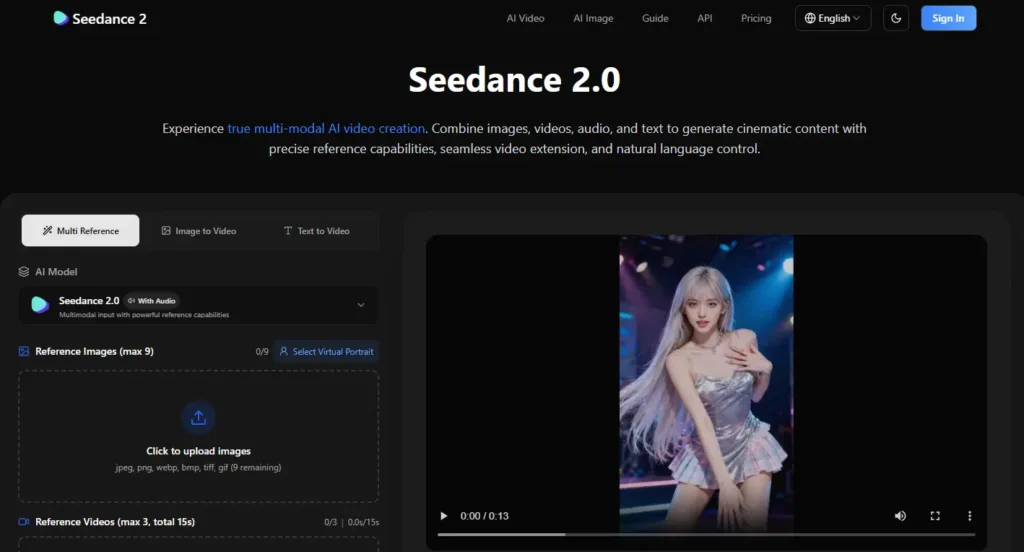
If you’ve been wondering which AI Video Generators are behind those ultra-realistic Instagram Reels with millions of views, Seedance 2.0 is one of the first tools you should check out.
Developed by ByteDance, the company behind TikTok, Seedance 2.0 is an advanced text-to-video AI model that can generate cinematic videos, realistic character movements, and smooth camera shots from a simple text prompt. It’s quickly becoming a popular choice for creators who want to produce viral short-form content without spending hours editing.
What I like most about Seedance 2.0 is how well it understands prompts. Even with a simple idea, it can generate impressive results that often need very little editing before posting on Instagram.
If you’re still comparing different AI Video Generators, I recommend reading my guide on Best AI Video Generators of 2026. It compares the top tools side by side and can help you find the one that best fits your workflow.
To explore the latest features, demos, and announcements, you can also visit the official Seedance 2.0 website.
Key Features
- Generates high-quality videos from simple text prompts
- Creates realistic character movements and facial expressions
- Excellent prompt understanding for consistent results
- Cinematic camera movements and smooth transitions
- Fast video generation
- Optimized for Instagram Reels, TikTok, and YouTube Shorts
Pros
- Excellent video quality
- Easy for beginners to use
- Produces realistic motion with minimal prompt adjustments
- Great for creating viral social media content
Cons
- Limited free usage
- Some advanced features require a paid plan
- Availability may differ depending on your region
Best For
I recommend Seedance 2.0 for creators who want to produce realistic Instagram Reels, cinematic storytelling videos, AI commercials, or engaging social media content.
If visual quality is your top priority, Seedance 2.0 is one of the best AI Video Generators available today.
 Ready to try it?
2. Kling AI
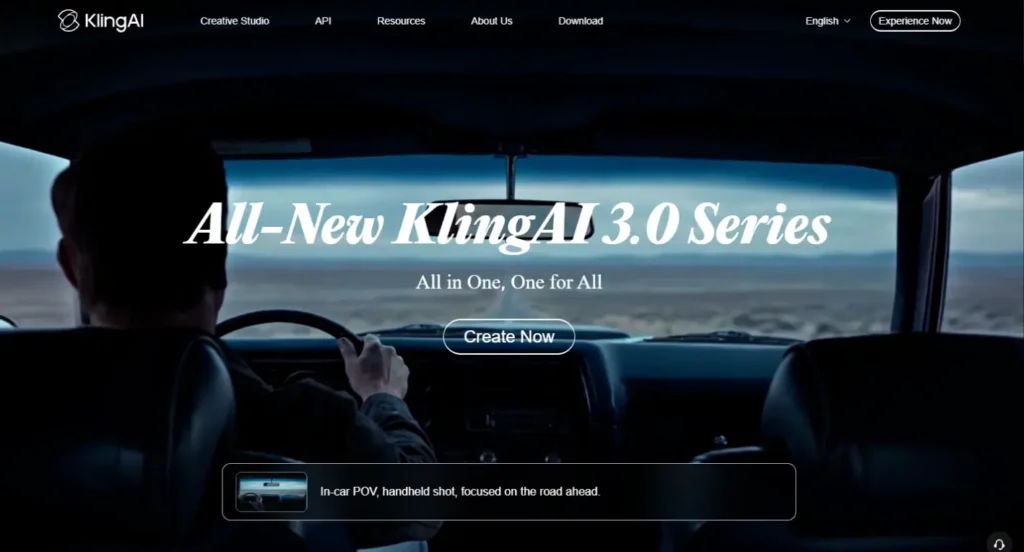
If your goal is to create realistic and attention-grabbing Instagram Reels, Kling AI is one of the AI Video Generators you shouldn’t overlook.
It has quickly become a favorite among creators because of its impressive video quality and realistic motion.
Developed by Kuaishou Technology, Kling AI can turn simple text prompts or images into cinematic videos with smooth camera movements and lifelike animations.
Whether you’re creating storytelling content, product videos, or trending AI clips, it delivers results that are hard to ignore.
What I like most about Kling AI is how consistently it produces high-quality videos. It understands prompts well, follows instructions accurately, and generates visuals that often require very little editing before they’re ready for Instagram.
Key Features
- High-quality text-to-video generation
- Image-to-video creation
- Realistic character and object motion
- Cinematic camera movements
- Multiple aspect ratios for social media
- Fast AI video rendering
Pros
- Excellent video quality
- Beginner-friendly interface
- Great prompt understanding
- Perfect for creating viral Instagram Reels
Cons
- Limited free credits
- Some features are locked behind paid plans
- Video generation may take longer during peak hours
Best For
I recommend Kling AI if you’re looking for one of the most powerful AI Video Generators for Instagram Reels, TikTok videos, AI storytelling, or short cinematic clips.
It’s a great choice for both beginners and experienced creators who want professional-looking results.
Ready to try Kling AI?
3. Google Veo 3.1
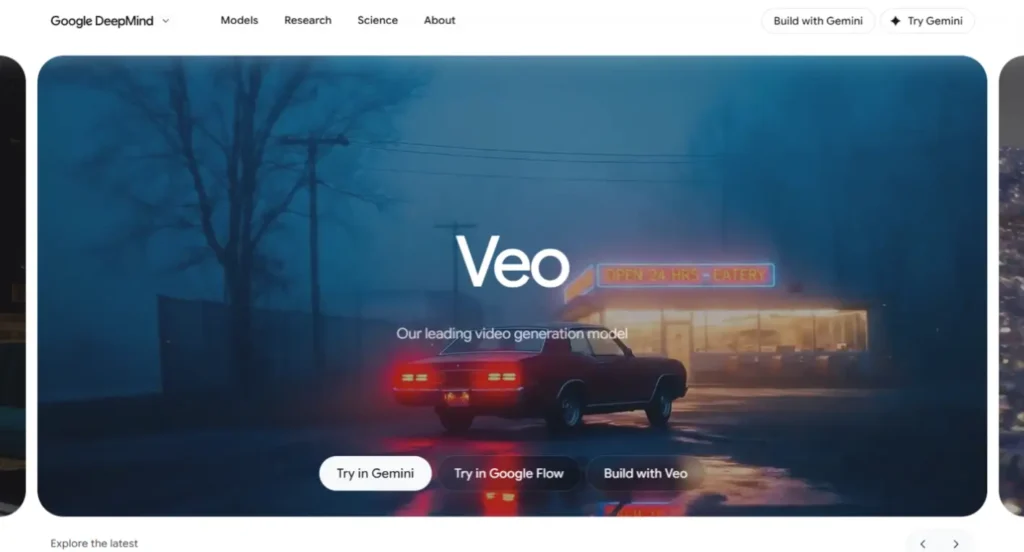
When it comes to creating ultra-realistic AI videos, Google Veo 3.1 is easily one of the most advanced AI Video Generators available today.
If you’ve seen AI videos with lifelike characters, natural camera movements, and movie-quality visuals on Instagram, there’s a good chance they’re powered by Veo.
Developed by Google DeepMind, Veo 3.1 is designed to generate high-quality videos from text prompts with an impressive understanding of motion, lighting, and cinematic composition.
It can create everything from realistic nature scenes to action-packed sequences, making it a popular choice for creators who want their content to stand out.
What I like most about Google Veo 3.1 is its ability to generate videos that feel incredibly realistic.
The overall consistency, smooth motion, and attention to detail make it one of the strongest AI Video Generators for creators who care about visual quality.
Key Features
- High-quality text-to-video generation
- Realistic motion and physics
- Cinematic camera movements
- Excellent prompt understanding
- Consistent characters and scenes
- Suitable for Instagram Reels and YouTube Shorts
Pros
- Exceptional video quality
- Realistic lighting and motion
- Handles complex prompts very well
- Ideal for cinematic AI videos
Cons
- Limited public availability
- Premium access may be required
- Rendering complex videos can take longer
Best For
I recommend Google Veo 3.1 for creators who want to produce premium-quality Instagram Reels, cinematic storytelling videos, advertisements, or realistic AI content.
If your main priority is creating visually stunning videos, it’s one of the best AI Video Generators you can use.
4. Runway
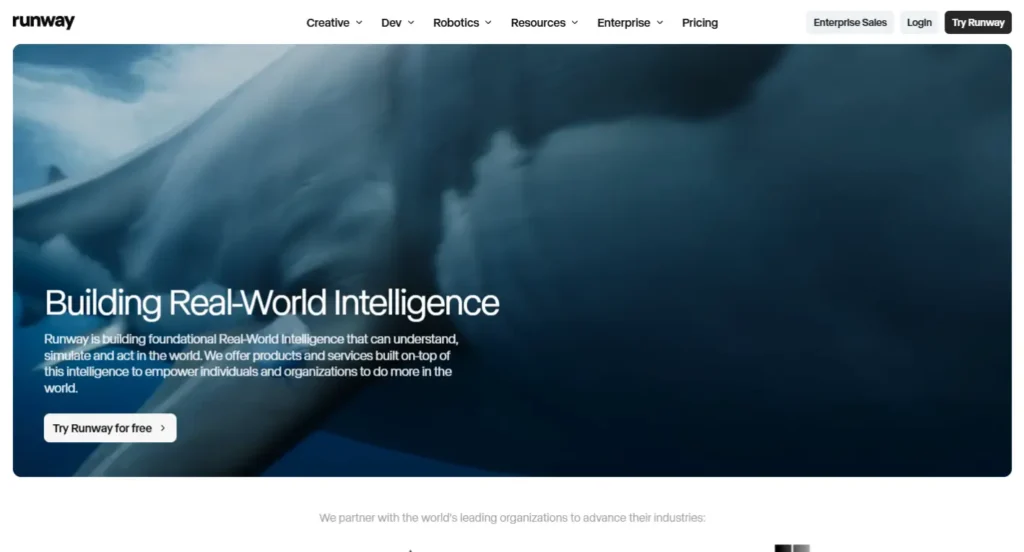
If you’re looking for AI Video Generators that offer more creative control, Runway is one of the best options available.
Unlike many AI tools that focus only on text-to-video generation, Runway combines AI video creation with powerful editing features, making it a favorite among content creators, filmmakers, and marketers.
Runway lets you generate videos from text prompts, transform images into videos, remove backgrounds, expand scenes, and edit clips—all from one platform.
Whether you’re creating Instagram Reels, YouTube Shorts, or promotional videos, it gives you the flexibility to fine-tune your content without switching between multiple tools.
What I like most about Runway is that it doesn’t just generate videos—it also helps you edit them.
If you enjoy experimenting with different creative ideas, Runway gives you much more freedom than many other AI Video Generators.
Key Features
- Text-to-video generation
- Image-to-video creation
- AI-powered video editing tools
- Background removal and object replacement
- Expand and extend video scenes
- Multiple export options for social media
Pros
- Powerful all-in-one AI video platform
- Easy-to-use interface
- Excellent editing features
- Great for creators and marketing teams
Cons
- Some advanced features require a paid plan
- Learning all the tools can take some time
- Free plan has limited credits
Best For
I recommend Runway for creators who want more than just a text-to-video tool. It’s an excellent choice for making Instagram Reels, YouTube Shorts, AI advertisements, product videos, and cinematic storytelling content.
If you also want built-in editing features like background removal, scene expansion, and AI-powered video enhancements, Runway is one of the most versatile AI Video Generators available today.
It’s especially useful for creators, marketers, and small businesses that want to create professional-looking videos without relying on multiple editing tools.
5. OpenArt
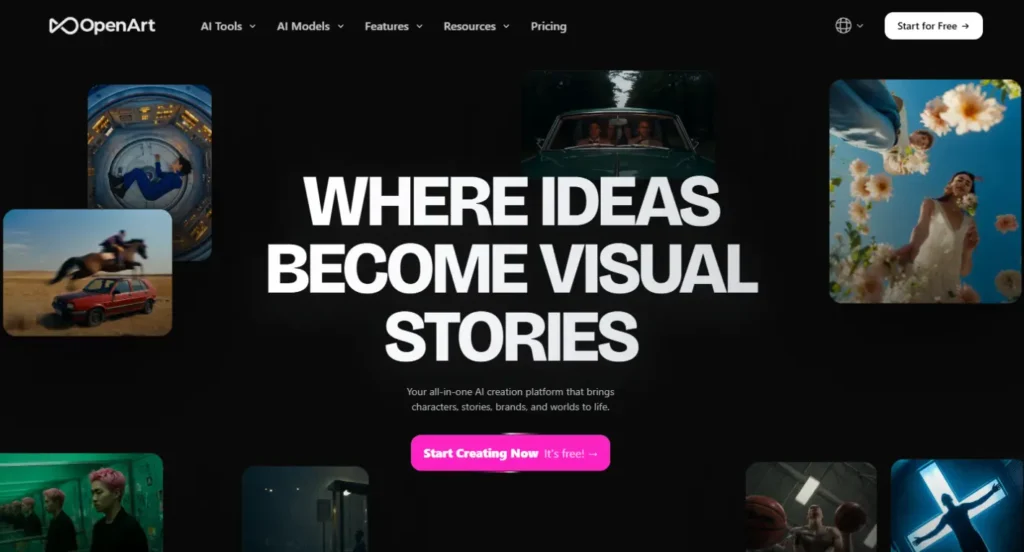
If you’re looking for AI Video Generators that are simple to use yet packed with creative features, OpenArt is definitely worth checking out.
While many people know OpenArt for AI image generation, it has rapidly expanded into AI video creation and now offers powerful tools for turning text prompts and images into engaging videos.
One thing I really like about OpenArt is how beginner-friendly it is. You don’t need any video editing experience to get started.
The interface is clean, the workflow is straightforward, and you can generate social media-ready videos in just a few clicks.
Whether you’re creating Instagram Reels, product showcases, or creative AI animations, OpenArt makes the process surprisingly easy.
Another reason OpenArt stands out is the variety of AI models available on the platform.
Instead of relying on a single model, you can experiment with different styles and workflows to find the look that best matches your content.
This flexibility makes it one of the most versatile AI Video Generators for creators who enjoy testing new ideas.
Key Features
- Text-to-video generation
- Image-to-video creation
- Multiple AI models to choose from
- Beginner-friendly interface
- Fast video generation
- Optimized for Instagram Reels, TikTok, and YouTube Shorts
Pros
- Very easy to use
- Supports multiple AI models
- Fast and reliable video generation
- Great for both beginners and experienced creators
Cons
- Some premium models require a paid subscription
- Free plan comes with limited credits
- Advanced customization options are more limited than some competitors
Best For
I recommend OpenArt for creators who want an easy way to create Instagram Reels, short promotional videos, AI animations, and social media content without a steep learning curve.
If you’re just getting started with AI Video Generators or want a platform that lets you experiment with different AI models in one place, OpenArt is an excellent choice.
6. Luma Dream Machine

If your goal is to create realistic AI videos with smooth motion and cinematic visuals, Luma Dream Machine is one of the AI Video Generators you should definitely consider.
Since its launch, it has gained a lot of attention from creators for producing high-quality videos that look surprisingly natural, even from simple text prompts.
Developed by Luma AI, Dream Machine can generate videos from both text and images, making it a great choice for creators who want to bring ideas to life quickly.
Whether you’re creating storytelling content, travel-style videos, product showcases, or eye-catching Instagram Reels, it delivers impressive results with very little effort.
What I like most about Luma Dream Machine is how easy it is to use. You don’t need to spend hours learning complicated settings to create great-looking videos.
Simply describe your idea, let the AI do the work, and you’ll have a polished video that’s ready to share on social media.
Key Features
- Text-to-video generation
- Image-to-video creation
- High-quality video output
- Fast AI video generation
- Optimized for Instagram Reels, TikTok, and YouTube Shorts
Pros
- Produces realistic and cinematic videos
- Very easy for beginners
- Fast rendering speed
- Great prompt understanding
Cons
- Limited free generations
- Premium features require a paid plan
- Advanced controls are more limited than some competitors
Best For
I recommend Luma Dream Machine for creators who want to produce cinematic Instagram Reels, storytelling videos, AI product showcases, and engaging social media content without a complicated workflow.
If you’re looking for AI Video Generators that balance ease of use with excellent video quality, Luma Dream Machine is one of the strongest options available today.
7. HeyGen
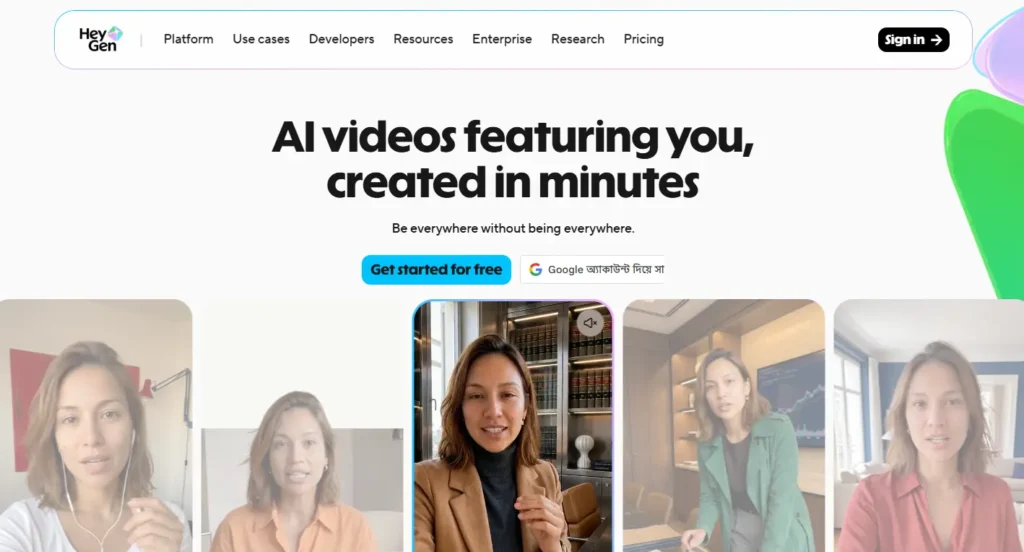
If you’re planning to create talking videos, AI presenters, or faceless Instagram Reels, HeyGen is one of the most popular AI Video Generators available today.
Unlike traditional text-to-video tools, HeyGen focuses on creating realistic AI avatars that can speak naturally in multiple languages, making it a great option for content creators, marketers, and businesses.
Over the past few years, HeyGen has become one of the go-to platforms for creating professional videos without needing a camera or studio setup.
Simply type your script, choose an AI avatar, and HeyGen generates a polished video in just a few minutes.
This makes it perfect for educational content, product explainers, social media videos, and even daily Instagram Reels.
What I like most about HeyGen is how much time it can save. Instead of recording yourself over and over again, you can let an AI avatar deliver your message while still looking professional and engaging.
If you’re camera-shy or want to scale your content production, it’s an excellent solution.
Key Features
- Realistic AI avatars
- Text-to-video with AI voiceovers
- Supports multiple languages
- Custom avatar creation
- AI voice cloning
- Templates for social media and marketing videos
Pros
- High-quality AI avatars
- Very easy to use
- Supports dozens of languages
- Great for faceless content creation
Cons
- Advanced features require a paid subscription
- Limited free video credits
- Less suitable for cinematic text-to-video generation
Best For
I recommend HeyGen for creators who want to produce talking-head videos, educational Instagram Reels, business presentations, product demonstrations, and faceless social media content without appearing on camera.
It’s also an excellent choice for marketers, agencies, and businesses that need to create professional videos quickly in multiple languages.
While it isn’t designed for cinematic storytelling like some other AI Video Generators, it’s one of the best platforms for AI avatar videos and can save countless hours if your content relies on presenting information directly to your audience.
8. Neural Frames
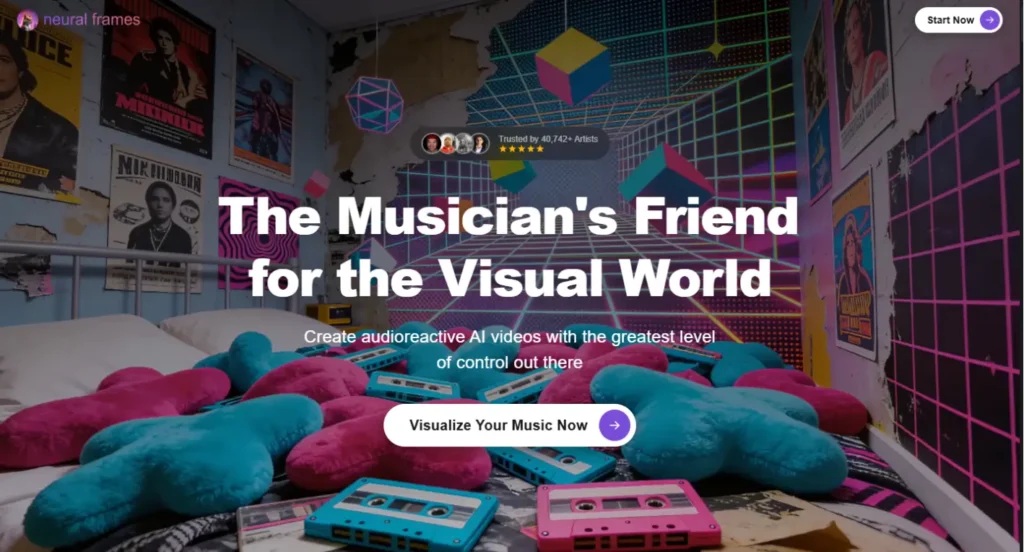
If you’re a musician, digital artist, or content creator looking to produce visually stunning music videos, Neural Frames is one of the most unique AI Video Generators you can use.
Instead of focusing only on realistic text-to-video generation, Neural Frames is built to create artistic, animated, and audio-reactive videos that stand out on platforms like Instagram.
One thing that makes Neural Frames different is its ability to sync visuals with music.
You can upload your own track and generate animations that react to the beat, making it a fantastic choice for music videos, lyric videos, visualizers, and creative Instagram Reels.
If your goal is to create content that’s artistic rather than photorealistic, this platform offers plenty of creative freedom.
What I like most about Neural Frames is that it gives creators a unique visual style that’s difficult to achieve with traditional editing software.
Rather than trying to imitate real-life footage, it embraces AI-generated art and motion, helping your videos look different from the thousands of similar Reels shared every day.
Key Features
- AI-powered text-to-video generation
- Audio-reactive animations
- Music video and visualizer creation
- Custom artistic styles
- High-resolution video exports
- Creative controls for animations and motion
Pros
- Perfect for music videos and visual art
- Unique AI-generated animation styles
- Beginner-friendly interface
- Excellent creative flexibility
Cons
- Not designed for realistic cinematic videos
- Free plan has limited features
- Some advanced exports require a paid plan
Best For
I recommend Neural Frames for musicians, DJs, artists, and creators who want to produce eye-catching music videos, album visuals, lyric videos, and creative Instagram Reels.
If your content is driven by music or visual storytelling rather than realism, Neural Frames is one of the most creative AI Video Generators available today.
It gives you the freedom to experiment with different artistic styles and create videos that instantly grab attention while helping your content stand out in a crowded social media feed.
9. Synthesia
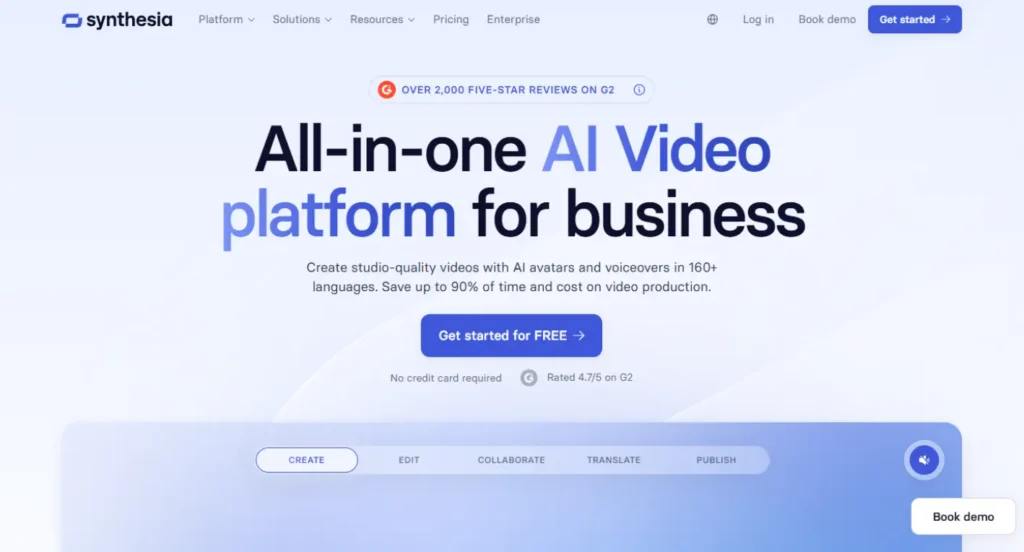
If your content revolves around tutorials, business tips, product demos, or educational Instagram Reels, Synthesia is one of the best AI Video Generators you can choose.
Instead of generating cinematic scenes, Synthesia specializes in creating professional videos with realistic AI presenters that can speak your script in multiple languages.
Used by thousands of businesses and educators around the world, Synthesia makes it incredibly easy to create studio-quality videos without hiring actors, buying expensive equipment, or recording yourself on camera.
Simply write your script, choose an AI avatar, and the platform handles the rest.
What I like most about Synthesia is how polished the final videos look.
The AI avatars speak naturally, the templates are professionally designed, and everything is built to help you create high-quality videos in just a few minutes.
If you’re creating informative or educational content for Instagram, it’s a huge time saver.
Key Features
- Realistic AI avatars
- Text-to-video generation
- AI voiceovers in multiple languages
- Professional video templates
- Screen recording and media uploads
- Easy video editing with a drag-and-drop editor
Pros
- Professional-looking AI presenters
- Supports multiple languages and voices
- Very easy for beginners
- Excellent for educational and business content
Cons
- Not designed for cinematic AI videos
- Limited customization compared to some text-to-video models
- Premium features require a paid subscription
Best For
I recommend Synthesia for creators, educators, marketers, and businesses that want to create professional talking-head videos without appearing on camera.
It’s an excellent choice for educational Instagram Reels, product walkthroughs, software tutorials, company updates, and training videos.
If your goal is to explain ideas clearly instead of generating cinematic scenes, Synthesia is one of the most reliable AI Video Generators available today.
The platform helps you create consistent, high-quality content while saving hours of recording and editing time.
10. NextReel
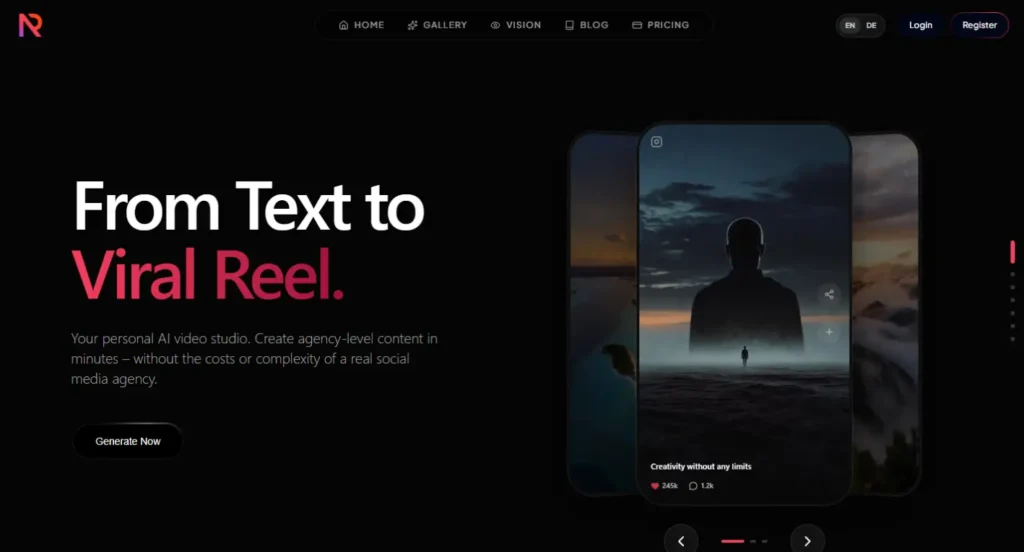
If you’re looking for AI Video Generators that are built specifically for creating short-form content, NextReel is definitely worth exploring.
Unlike many general-purpose AI video tools, NextReel focuses on helping creators produce engaging videos for platforms like Instagram Reels, TikTok, and YouTube Shorts with minimal effort.
What caught my attention about NextReel is how simple the entire workflow is.
Instead of spending time editing timelines or learning advanced video software, you can turn a simple idea or script into a polished short-form video in just a few steps.
This makes it a great option for creators who want to publish content consistently without investing hours into production.
Another thing I like is that NextReel is designed with social media creators in mind. From ready-to-use templates to AI-powered editing and automated captions, many of the features are built to speed up content creation while keeping your videos engaging.
If your goal is to grow on Instagram by posting regularly, this platform can save you a lot of time.
Key Features
- AI-powered short-form video creation
- Text-to-video generation
- Ready-to-use social media templates
- Automatic captions and subtitles
- AI voiceovers
- Optimized exports for Instagram Reels, TikTok, and YouTube Shorts
Pros
- Simple and beginner-friendly
- Designed specifically for short-form content
- Fast video generation
- Helpful AI automation features
Cons
- Less suitable for cinematic filmmaking
- Advanced customization options are limited
- Some premium features require a paid subscription
Best For
I recommend NextReel for creators, influencers, marketers, and small businesses that want to publish Instagram Reels consistently without spending hours editing every video.
It’s especially useful if your workflow involves turning scripts, blog posts, or marketing ideas into engaging short-form content quickly.
While it may not offer the same level of cinematic control as some other AI Video Generators, it does an excellent job of simplifying the content creation process.
If speed, consistency, and ease of use are your top priorities, NextReel is a platform that’s well worth trying.
Which AI Video Generator Should You Choose?
After testing and researching all these tools, one thing became clear: there isn’t a single AI Video Generator that’s perfect for everyone. The best choice depends on the type of Instagram Reels you want to create and how you plan to use AI in your content creation workflow.
If your goal is to create cinematic and realistic videos, I’d recommend Google Veo 3.1, Seedance 2.0, or Kling AI. These platforms produce some of the highest-quality visuals and are excellent for storytelling, travel videos, and eye-catching Instagram Reels.
If you want an all-in-one platform that combines AI video generation with powerful editing tools, Runway is a fantastic choice. It gives you much more creative control and is ideal for creators who like to fine-tune their videos before publishing.
For beginners, OpenArt and Luma Dream Machine are excellent places to start. Both platforms have simple interfaces, require very little learning, and make it easy to create impressive videos in just a few minutes.
If your content focuses on AI presenters or faceless videos, HeyGen and Synthesia are the clear winners. They make it incredibly easy to create professional-looking talking videos without ever stepping in front of a camera.
And if you’re a musician or digital artist looking to create unique visual content, Neural Frames offers creative features that very few other platforms can match.
At the end of the day, I don’t recommend choosing an AI Video Generator simply because it’s popular. Instead, choose the one that matches your content style, budget, and creative goals. The right tool is the one that helps you create consistently and keeps your audience engaged—not necessarily the one with the longest feature list.
If you’re still unsure which platform is right for you, I recommend reading my in-depth guide on Best AI Video Generators of 2026, where I compare the top AI video tools side by side to help you make the right decision.
Frequently Asked Questions
Some of the best AI Video Generators for Instagram Reels include Seedance 2.0, Kling AI, Google Veo 3.1, Runway, OpenArt, Luma Dream Machine, HeyGen, Neural Frames, Synthesia, and NextReel.
Each tool offers different strengths, so the best choice depends on the type of content you want to create.
If you’re just getting started, I recommend OpenArt and Luma Dream Machine.
Both platforms are easy to use, require very little setup, and can generate high-quality videos from simple prompts.
They’re great options if you’re new to AI Video Generators and want to create Instagram Reels without a steep learning curve.
Yes, many AI Video Generators offer free plans or free credits, including Kling AI, OpenArt, Runway, and Luma Dream Machine.
However, free plans usually come with limitations such as lower video quality, watermarks, or a limited number of generations each month. If you plan to create content regularly, upgrading to a paid plan may be worthwhile.
For realistic visuals, I recommend Google Veo 3.1, Seedance 2.0, and Kling AI.
These platforms are known for generating cinematic scenes, smooth character movements, and impressive prompt accuracy, making them excellent choices for creating realistic Instagram Reels.
Not at all. Most modern AI Video Generators are designed for beginners.
You simply enter a text prompt or upload an image, and the AI generates the video for you. Platforms like OpenArt, HeyGen, and NextReel make the process especially simple, allowing you to create professional-looking videos with little or no editing experience.
If you’re looking to create talking-head videos or faceless content, HeyGen and Synthesia are among the best options. They offer realistic AI avatars, natural voiceovers, and support for multiple languages, making them ideal for educational content, marketing videos, and business presentations.
Yes.
In most cases, AI-generated Instagram Reels can be monetized as long as they comply with Instagram’s monetization policies and you have the appropriate rights to any assets you use, such as music, images, or voiceovers.
It’s always a good idea to review the licensing terms of the AI platform you’re using before publishing commercial content.
If you’d like to compare more tools, discover new AI models, or read detailed reviews, you can explore my guide on Best AI Video Generators of 2026.
I regularly publish hands-on reviews, comparisons, and tutorials to help creators choose the right AI tools for their needs.
About AIVideo-Expert
If you’ve made it this far, thank you for reading!
At AIVideo-Expert, my goal is simple: to help creators find the right AI tools without wasting hours testing dozens of platforms themselves.
The AI video space is evolving incredibly fast. New models, features, and updates are released almost every month, making it difficult to know which tools are actually worth your time.
That’s why I spend time researching, comparing, and reviewing the latest AI Video Generators so you can make informed decisions.
I don’t believe in recommending a tool just because it’s popular. Instead, I focus on what really matters—video quality, ease of use, pricing, features, and who each platform is best suited for.
Whether you’re a beginner creating your first Instagram Reel or a professional content creator looking for advanced AI workflows, my goal is to provide honest, easy-to-understand guides that help you choose the right tool.
If you enjoy content like this, be sure to explore the rest of the website.
You’ll find in-depth reviews, comparisons, tutorials, and buying guides covering some of the best AI Video Generators available today.
You can start by checking out my guide on Best AI Video Generators of 2026, where I compare the top AI video tools side by side to help you find the perfect one for your workflow.
Thanks again for visiting AIVideo-Expert, and I hope this guide helps you create your next viral Instagram Reel.