Best Free AI Image to Video Generators 2026 (Tested)
Best Free AI Image to Video Generators 2026 (Tested)
There are at least twenty AI models right now that claim they can turn a still image into a moving video clip for free. Most of them are a waste of an afternoon.
I went through the full field — the household names like Veo and Kling, the scrappier open-source options, the ones that quietly vanished, and the ones that quietly got very good — and narrowed it down to five that are actually worth uploading your image to.
Everything else either watermarks so aggressively it’s unusable, produces motion that looks like a bad dream, or has already pulled its free tier since the last time someone wrote about it.
That last point matters more than you’d think. AI video is one of the fastest-moving corners of the entire AI industry, and “free” tools have a habit of becoming “free trial” tools the moment they get popular.
I checked every pricing page below in the process of writing this, and I’ll flag it clearly whenever a tool’s free access has changed or disappeared.
Quick answer, if you’re in a hurry: Kling, PixVerse, Veo 3.1, Luma Dream Machine, and Pika are the five free image-to-video tools that consistently produce usable, coherent clips without a painful learning curve. Below is why each one made the cut, what its free tier actually gets you, and where it falls short.
If you’re specifically animating images for short-form content, it’s also worth checking 10 Top AI Video Generators for Instagram Viral Reels for tools built around that format.
So let’s see the Best Free AI Image to Video Generators 2026 (Tested).
How I Picked these AI Image to Video Generators
Instead of running a single test image through every tool once and calling it a day (a method that tells you almost nothing about consistency, since these models can behave differently generation to generation), I focused on three things that actually predict whether a tool is worth your time:
- Consistency of output — does the model reliably keep the subject, proportions, and scene coherent, or is quality a coin flip?
- What the free tier really gives you — daily credits, resolution caps, watermarks, and clip length, verified against each platform's current terms rather than assuming last year's numbers still hold.
- Where it actually wins — no tool is best at everything, so I looked at which use case each one is genuinely suited for: realism, motion range, speed, or built-in audio.
One honest note before we get into it: I initially planned to include Grok Imagine 1.0, which had been turning heads for its expressive motion and built-in audio.
But xAI pulled Grok Imagine’s free tier entirely in March 2026 — it’s now locked behind a $30/month SuperGrok subscription with no meaningful free allowance.
That’s a useful reminder for anyone bookmarking “free AI tool” lists: check the current terms before you build a workflow around one.
1. Kling AI (Kling 2.6 / 3.0)
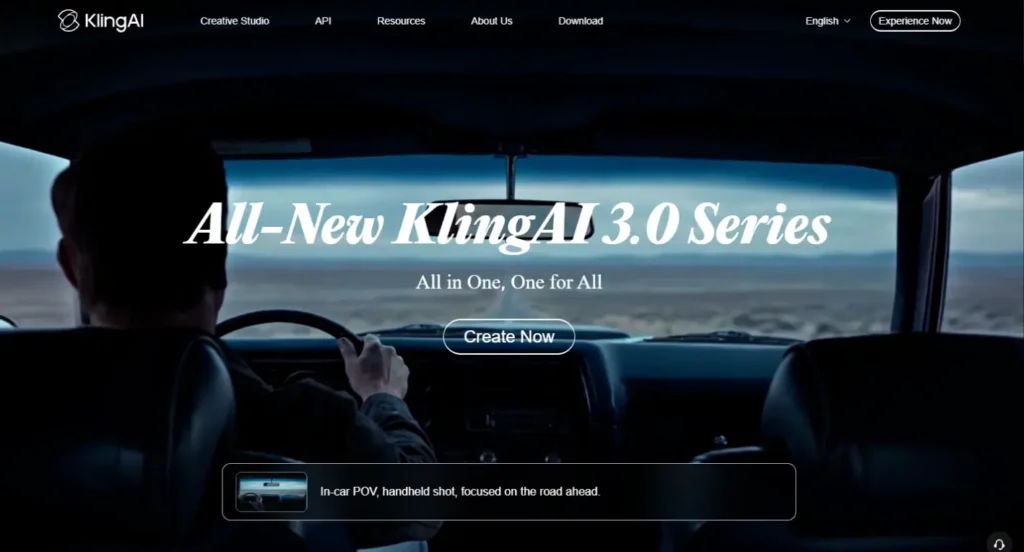
Kling has been near the top of every serious AI video comparison for over a year now, and it’s stayed there because Kuaishou keeps shipping real improvements instead of just a version-number bump.
The free tier runs on 2.6 by default, with 3.0 reserved for paid accounts, but even the “older” free model handles hand movement, facial detail, and camera motion better than most paid competitors.
What makes it good: Kling rarely produces the melting-face or fusing-limbs problems that plague weaker models. Fine motion — fingers, fabric, small mechanical parts — tends to stay coherent even across longer 10-second clips, which is genuinely hard for this category of model to pull off.
What holds it back: The free allowance is roughly 66 credits a day, which typically covers two to six generations depending on resolution and length — enough to test the tool properly, not enough to run a real project. Every free-tier export carries a visible watermark, and commercial use isn’t included until you pay.
Best for: Anyone who wants the closest thing to paid-tier quality without paying, and who’s willing to work within a tight daily cap.
| Free daily allowance | ~66 credits (≈2–6 clips) |
| Max resolution (free) | 720p |
| Clip length | Up to 10 seconds |
| Watermark on free tier | Yes |
| Native audio | Yes |
| Where to try | klingai.com |
2. PixVerse (V6)
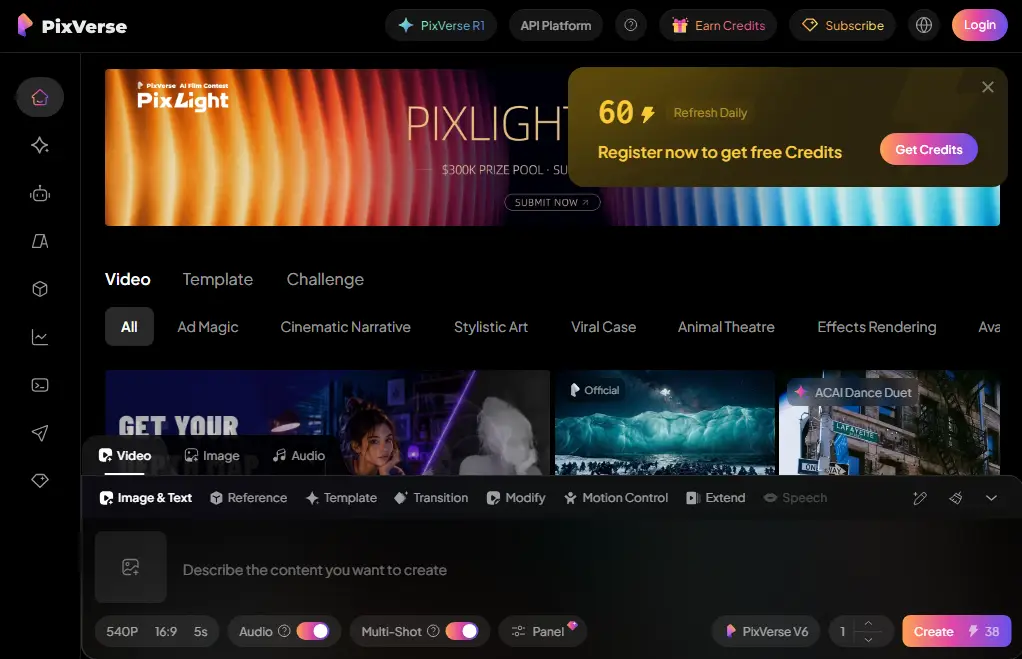
PixVerse doesn’t get the same buzz as Kling or Veo, and that’s a little unfair, because it quietly does two things almost nobody else on this list does: it skips the watermark on free-tier output, and its daily credits actually refresh generously enough to use regularly rather than as a one-time trial.
What makes it good: Multi-shot generation, decent native audio, and a genuinely usable interface for people who don’t want to learn a new tool from scratch. Free-tier clips are clean — no logo burned into the corner — which matters if you’re posting anything publicly.
What holds it back: The free resolution ceiling sits lower than Kling or Veo, and PixVerse’s own credit economics mean a “free” video is realistically capped around two generations a day once you account for what a usable clip actually costs in credits. Detail can also soften on more complex or busy source images.
Best for: Creators making a steady stream of short social clips who want to post without a watermark, without paying.
| Free daily allowance | ~60 credits/day + one-time signup bonus |
| Max resolution (free) | 540–720p (capped below paid tiers) |
| Clip length | Up to 10 seconds |
| Watermark on free tier | No |
| Native audio | Yes |
| Where to try | pixverse.ai |
3. Google Veo 3.1 (via Google Flow)
This is the biggest shake-up since the last big roundup of these tools: Google made Veo 3.1 free for every personal Google account through Flow and Google Vids in April 2026. No subscription, no credit card, no waitlist. That’s a serious change, because Veo has consistently been rated among the most realistic and physically coherent video models available at any price.
What makes it good: Veo handles lighting, camera movement, and scene physics more convincingly than almost anything else on this list. Smoke behaves like smoke, reflections behave like reflections, and the model rarely invents a completely different scene than the one in your source image — a problem that trips up several competitors.
What holds it back: Free access tops out around 50 daily “Flow credits,” enough for roughly five Lite generations or two Fast ones — not a lot if you want to iterate on a prompt. Free clips are capped at 720p, run silent (no audio) unless generated through the paid API, and carry a visible watermark.
Best for: Anyone who wants the most realistic, least “AI-looking” motion and doesn’t mind a tight daily ceiling.
| Free daily allowance | ~50 Flow credits/day (up to 180 in some regions) |
| Max resolution (free) | 720p |
| Clip length | 8 seconds |
| Watermark on free tier | Yes |
| Native audio | No (video-only on the free path) |
| Where to try | labs.google/fx/tools/flow |
4. Luma Dream Machine (Ray3)
Luma was one of the earliest image-to-video tools to get real traction, and it’s aged well. Where it separates itself from the pack is subtlety — small, believable details like blinking, natural eye movement, and gentle camera drift that make a clip feel less like a loop and more like a shot.
What makes it good: Luma tends to avoid the over-the-top, hyperactive motion that some models default to when they’re not sure what to animate. If your source image is a portrait or a character close-up, Luma often produces the most naturalistic result of any free tool here.
What holds it back: The free tier is genuinely tight — about one generation’s worth of credits per day, at draft-quality resolution, with a visible watermark and no commercial rights. It’s also historically been the weakest option here for full-body motion like walking, where limbs can look stiff or under-animated.
Best for: Portraits, close-ups, and any shot where subtle, realistic micro-motion matters more than big dramatic movement.
| Free daily allowance | ~80 credits/day (≈1 clip) |
| Max resolution (free) | 720p (draft quality) |
| Clip length | 5 seconds (extendable) |
| Watermark on free tier | Yes |
| Native audio | No |
| Where to try | lumalabs.ai/dream-machine |
5. Pika (2.5)
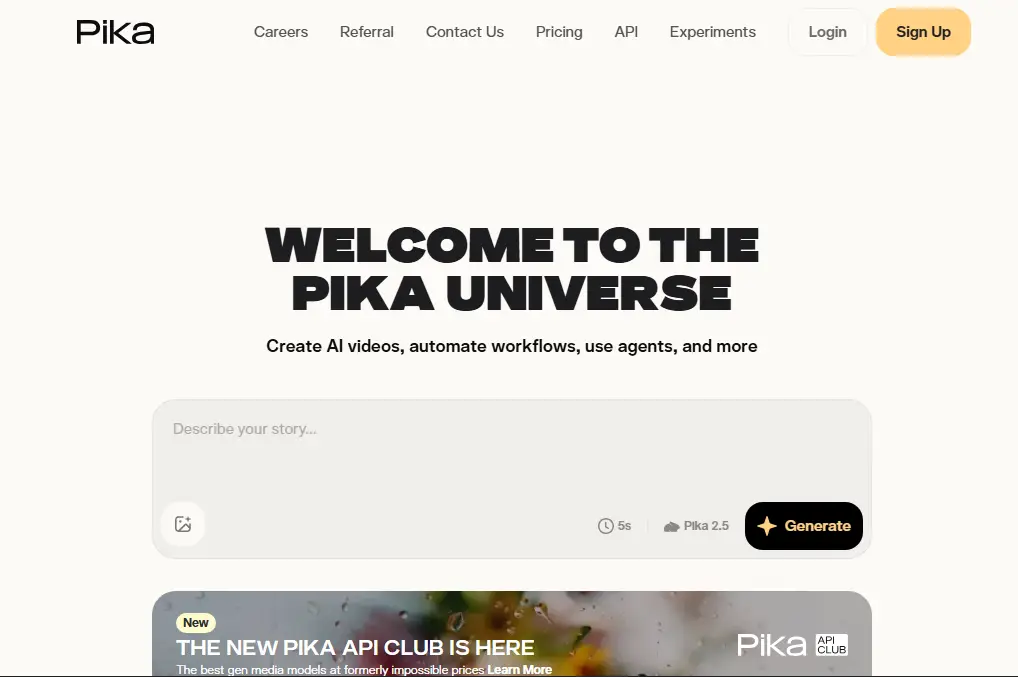
Pika spent a long time as the tool everyone tried once and forgot about — early versions struggled with basic coherence. That’s no longer true. The 2.5 model is a real turnaround, and unlike Kling, Luma, and Veo, Pika’s free-tier clips ship without a watermark, which quietly makes it one of the more practical options on this list for anyone posting finished work.
What makes it good: Clean, watermark-free exports, a wide range of stylistic presets if you want a specific visual look, and results that hold up well on illustrated or stylized source images — not just photorealistic ones.
What holds it back: Free-tier resolution is capped at 480p, which is noticeably softer than everything else here, and the monthly credit allowance (not daily) means heavy users will run out well before the month is over.
Best for: Stylized or illustrated content, and anyone who specifically needs watermark-free output without paying.
| Free monthly allowance | ~80 credits/month |
| Max resolution (free) | 480p |
| Clip length | 5 seconds |
| Watermark on free tier | No |
| Native audio | No |
| Where to try | pika.art |
Side-by-side Comparison
| Tool | Best for | Resolution (free) | Watermark | Audio | Daily cap |
|---|---|---|---|---|---|
| Kling 2.6/3.0 | Overall quality & motion detail | 720p | Yes | Yes | ~66 credits |
| PixVerse V6 | Frequent posting, no watermark | 540–720p | No | Yes | ~60 credits |
| Veo 3.1 | Realism & physics | 720p | Yes | No (free path) | ~50 credits |
| Luma Dream Machine | Portraits & subtle motion | 720p (draft) | Yes | No | ~80 credits |
| Pika 2.5 | Stylized content, no watermark | 480p | No | No | ~80/month |
Which one should you actually use?
If I had to pick just one for someone starting from zero, it’s Kling — the free tier is stingy, but the output quality-to-effort ratio is the best of the five. If you’re publishing content regularly and the watermark is a dealbreaker, PixVerse or Pika are your two real options, and the choice between them mostly comes down to whether your source material is photorealistic (PixVerse) or stylized (Pika).
And if raw realism is what you’re chasing — product shots, cinematic scenes, anything that needs to look genuinely filmed — Veo 3.1 being free at all is the actual headline here; nothing else on this list matches its physical coherence at any price, let alone for nothing.
One practical habit worth building: test your specific image on two or three of these before committing to a workflow.
These models respond differently to portraits versus illustrations versus busy scenes, and a tool that’s mediocre on one image type can be the best option on another.
Frequently Asked Questions
No. Every tool on this list uses a daily or monthly credit system, and none currently offers unlimited generations without paying. Treat “free” as “free enough to test and use lightly,” not “free enough to run a production pipeline.”
PixVerse and Pika are the two on this list that ship clean, watermark-free exports on their free tiers. The rest — Kling, Veo, and Luma — all watermark free-tier output.
As of this writing, Google has framed free Veo 3.1 access through Flow and Google Vids as an ongoing feature tied to any personal Google account, not a time-limited promotion. That said, AI pricing changes fast — it’s worth double-checking the current terms before building anything that depends on it.
It was, briefly. xAI removed Grok Imagine’s free tier entirely in March 2026 after reports of misuse; it now requires a SuperGrok subscription starting at $30/month. It’s a good example of why “free AI video tool” lists need to be checked regularly rather than trusted indefinitely.
Generally, no — most of these platforms restrict commercial use to paid plans, and several also prohibit it outright on watermarked free output. Check each platform’s current terms before using a free-tier clip in client or brand work.