05+ Best AI Video Generators of 2026 (Tested & Compared)
05+ Best AI Video Generators of 2026 (Tested & Compared)
AI video generation is evolving at an incredible pace, with new models and platforms launching almost every month.
This is a living ranking of the best AI video generators in 2026, updated as the market changes.
If you’re looking for comparisons of the underlying AI models, including motion quality, realism, and independent Elo rankings, check out our companion guide on the best AI video models.
One thing that’s important to understand is that AI video generators and AI video models are not the same thing.
Models like Veo, Sora, Kling, Seedance, and Omnia are the engines responsible for generating the video itself.
The generator is the platform you actually use to create videos.
It determines your workflow, available models, collaboration features, pricing, automation tools, and overall production experience.
This ranking focuses exclusively on AI video generators—the platforms that creators, marketers, and production teams use to turn prompts, images, and scripts into finished videos.
The Best AI Video Generators of 2026 at a Glance
For those who want a quick overview, here’s a summary of the top best AI video generators and what they excel at:
|
Tool
|
Best For
|
Starting Price (Monthly)
|
|---|---|---|
|
Kling
|
Cinematic, photorealistic text-to-video and image-to-video
|
$6.99/month
|
|
Runway
|
Professional AI filmmaking, editing, motion tracking, VFX
|
$12/month (annual billing)
|
|
Luma
|
Realistic camera movement, cinematic shots, image-to-video
|
$9.99/month (annual billing)
|
|
Hedra
|
AI characters, talking avatars, lip sync, storytelling
|
$15/month
|
|
Dreamina
|
Social media videos, anime, creative visuals, marketing content
|
Free (paid credits available)
|
|
Krea
|
Fast image & video generation, design ideation, creative exploration
|
$10/month (entry plan varies)
|
|
Flora
|
AI creative workflow canvas using multiple image/video models
|
$16/month
|
We also evaluated Higgsfield, ImagineArt, InVideo, and Synthesia.
While they each have their strengths, they didn’t make our final ranking.
You’ll find a brief explanation of why later in this guide.
If you’re trying to decide which AI model produces the highest-quality videos, our companion guide is the better place to start.
But if your goal is choosing the right platform for real production work, this ranking is designed to help you make that decision.
How I Ranked These AI Video Generators
To keep this ranking as fair and practical as possible, we evaluated every platform using the same core criteria:
- Workflow: How quickly can you go from an idea to a finished video? We looked at everything from simple prompt-based generators to timeline editors, visual canvases, and node-based workflows.
- Model Access: Does the platform rely on a single proprietary model, or does it give you access to multiple leading AI video models?
- Brand & Asset Consistency: How well does it maintain consistent characters, products, styles, and reusable assets across multiple shots and projects?
- Agent & Automation: Does the platform simply generate videos, or can it also help with planning, model selection, revisions, and other creative tasks?
- Commercial Readiness: We considered export options, collaboration features, pricing transparency, and how suitable each platform is for professional marketing and production work.
- Learning Curve: How easy is it for someone without a technical background to start creating high-quality videos?
One important point: we didn’t rank these platforms based solely on the quality of their underlying AI models.
A great model inside a poor product can still create a frustrating workflow, while a well-designed platform with access to multiple top-tier models is often the better choice for real-world production.
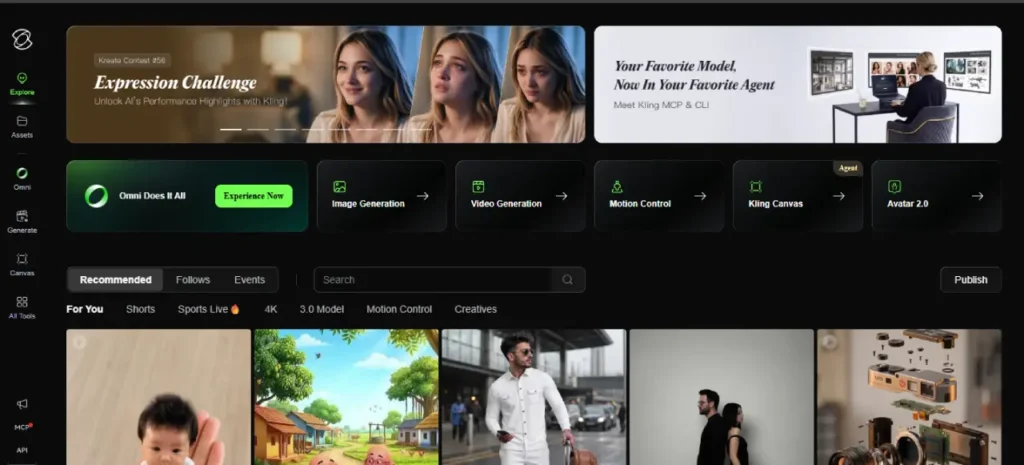
1. Kling — Best First-Party Home for Kling Video Models
Best for: Creators who want direct access to the latest Kling AI video models without relying on a third-party platform or model aggregator.
Kling AI, developed by Kuaishou, is the official platform for the Kling family of AI video models.
Over the past few versions, Kling has built a strong reputation for producing realistic motion, longer video generations, and cinematic-quality results.
If you already know you want to use Kling, its first-party platform offers the most direct way to access the latest features and model updates.
What I like about Kling is its simplicity.
Instead of choosing from dozens of different AI models, the platform is built around continuously improving the Kling ecosystem.
That makes it a great option for creators who want consistent results without constantly comparing different models or switching between multiple platforms.
Pros
- Direct access to one of the strongest AI video model families available today.
- Excellent motion quality and longer video generation compared to many competitors.
- First-party platform that receives the latest Kling features and model updates.
- Simple, focused experience for creators who specifically want to use Kling AI.
Cons
- Primarily focused on the Kling ecosystem rather than offering access to multiple AI video models.
- Collaboration tools, AI agents, and advanced workflow features aren't as comprehensive as platforms like Hedra, FLORA, or Krea.
- If your projects require switching between models like Veo, Kling, Sora, and others, a multi-model platform will usually provide a more efficient workflow.
Kling is one of the best ai video generators if you specifically want to work with the latest Kling AI models.
It delivers impressive motion quality, cinematic results, and direct access to the platform’s newest capabilities.
However, if your workflow depends on using multiple AI models or managing larger creative projects from a single workspace, I think a multi-model platform like Hedra offers greater flexibility.
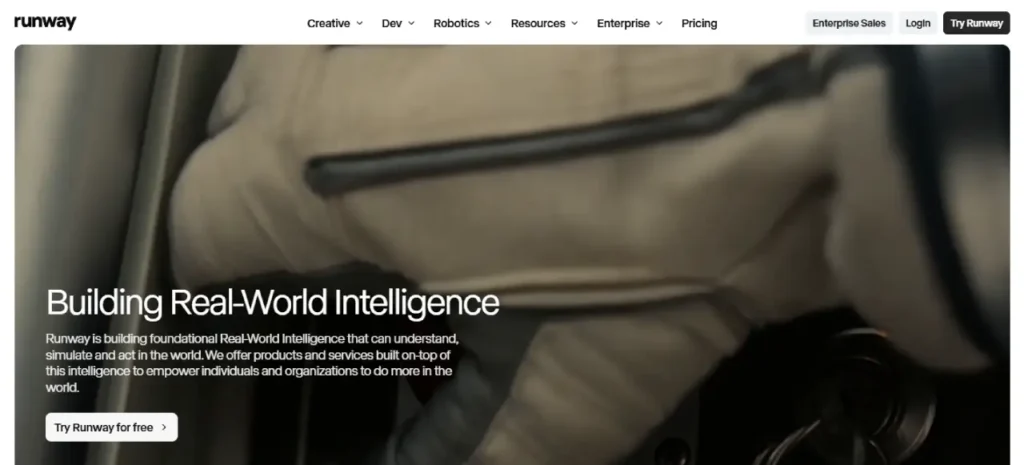
2. Runway — Best Professional Creative Control Toolkit
Best for: Filmmakers, creative professionals, and advanced users who want greater creative control, professional-grade features, and a mature AI video production platform.
Runway has been one of the biggest names in AI video generation for years, and it continues to be a go-to platform for filmmakers and creative professionals.
Rather than focusing solely on turning prompts into videos, Runway offers a complete creative toolkit with its Gen-series models, motion controls, editing features, and other advanced tools that give creators much more control over the final result.
What I like most about Runway is that it feels like a platform built for serious creative work.
Features like Motion Brush, camera controls, and editing tools make it possible to fine-tune videos instead of relying entirely on AI output.
It’s also one of the most established platforms in the industry, with a strong reputation among professional creators, studios, and educational institutions.
Pros
- Excellent creative controls that go far beyond simple text-to-video generation.
- Mature platform with powerful tools for cinematic and experimental video projects.
- Trusted by filmmakers, creative professionals, and educational institutions.
- Regular updates and a proven track record in the AI video space.
Cons
- Can become expensive for creators generating large volumes of videos compared to some multi-model platforms.
- Focuses more on creative production than AI-powered workflow automation or agent-led marketing tasks.
- While capable of creating talking-head videos, that isn't its primary strength compared to platforms built specifically for avatars or digital presenters.
Runway remains one of the best AI video generators for creators who want maximum creative control and professional production tools.
If your work involves filmmaking, cinematic storytelling, or experimenting with advanced AI video techniques, it’s still one of the strongest platforms available.
However, if your priority is managing multi-model workflows with AI agents and collaborative production, I think Hedra offers a more complete solution.
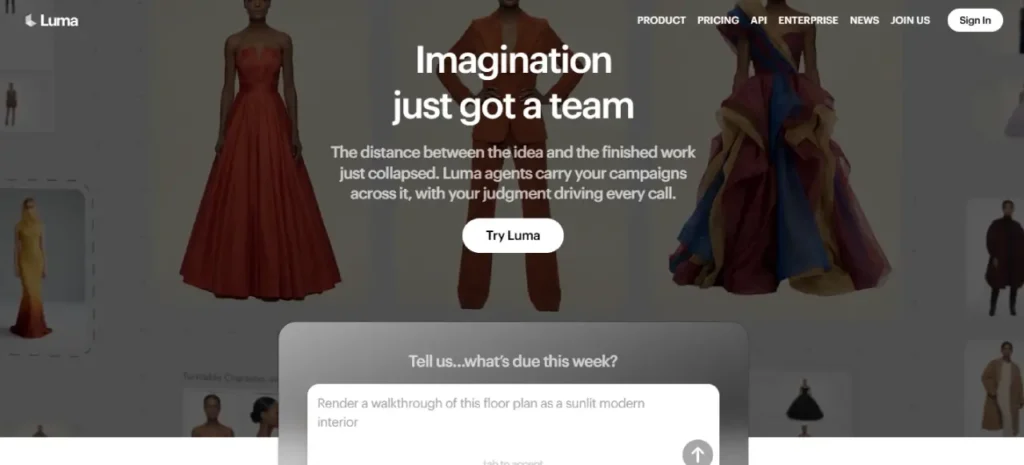
3. Luma — Best for Fast Dream Machine Iterations
Best for: Creators who want to quickly generate visually impressive short videos and rapidly iterate on creative ideas.
Luma Dream Machine has earned a strong reputation for its speed and visual quality. Powered by its Ray-series models, the platform focuses on making AI video generation as simple as possible—generate a clip, make adjustments, and export.
The clean interface and fast turnaround make it especially appealing for creators who need to test multiple ideas without waiting through long generation times.
What I like most about Luma is how quickly you can move from one concept to another.
Whether you’re brainstorming content for social media, experimenting with different visual styles, or creating short cinematic clips, the platform makes rapid iteration feel effortless.
While it doesn’t try to be an all-in-one production workspace, it does an excellent job of helping creators refine ideas quickly.
Pros
- Extremely fast video generation, making creative iteration much quicker.
- Produces visually impressive short-form videos with strong cinematic aesthetics.
- Simple, beginner-friendly interface that's easy to learn.
- Great for concepting, brainstorming, and testing different creative directions.
Cons
- Doesn't offer the same level of multi-model support or AI workflow automation as platforms like Hedra, FLORA, or Krea.
- Building consistent brand assets and larger commercial projects requires additional tools.
- Better suited for rapid concept creation than managing full production workflows or agency-scale projects.
Luma is one of the best AI video generators for creators who value speed and visual quality. It’s an excellent platform for quickly exploring ideas, creating short-form content, and experimenting with different creative styles.
However, if you’re building large campaigns or need a complete AI production workspace with collaboration and multi-model support.
I think it’s better used alongside a broader platform rather than as your primary creative hub.
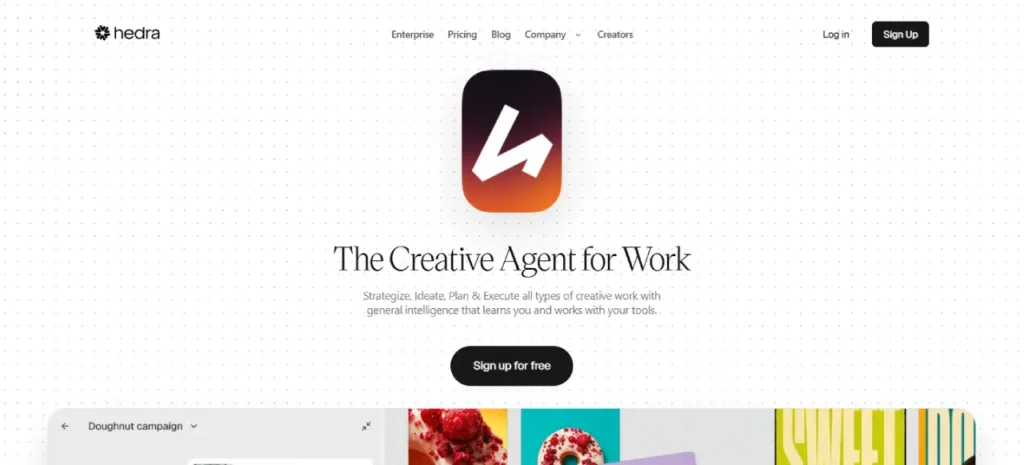
4. Hedra — Best Overall: Visual Workspace for Collaborating with AI
Best for: Creators and professionals who want access to multiple cutting-edge AI models, teams that collaborate on creative projects, and anyone looking for a more visual, production-focused alternative to traditional AI assistants.
After comparing all the platforms in this guide, Hedra stands out as my top overall pick. Unlike most AI video generators that simply turn a prompt into a video, Hedra is designed as a complete AI workspace where research, planning, image generation, video creation, and collaboration all happen in one place.
What makes Hedra different is that it isn’t just another model aggregator. Instead of only connecting to third-party APIs, Hedra runs its own inference while also giving you access to other leading AI models when they’re the better tool for the job. That creates a much more flexible workflow without constantly switching between different apps and websites.
The overall experience feels closer to working with an AI teammate than using a traditional video generator.
Rather than generating a single clip and starting over, I can research ideas, organize creative assets, connect external tools, build reusable workflows, and generate images, videos, and other creative content from the same workspace. For larger projects, that saves a surprising amount of time.
Another feature I really like is the collaborative workspace. Multiple people can work on the same project, continue tasks asynchronously, reuse brand assets, and share workflows without needing complex node-based editors.
If you’ve ever used tools like ComfyUI, you’ll appreciate that Hedra offers a much simpler learning curve while still handling professional production workflows.
Pros
- Excellent AI talking characters with realistic lip-sync and facial expressions.
- High-quality voice integration, supporting AI-generated voices and uploaded audio.
- Easy to use, with a beginner-friendly interface that requires little technical knowledge.
- Character consistency, making it easier to keep the same character across multiple videos.
- Fast video generation compared to many other AI video tools.
- Supports image-to-video, allowing you to animate portraits or illustrations.
- Good for storytelling, educational content, and social media videos featuring speaking characters.
Cons
- Not ideal for cinematic scenes—it focuses on talking characters rather than complex, movie-like sequences.
- Limited camera movement compared with tools like Kling, Runway, or Luma.
- Fewer advanced editing controls, making it less suitable for detailed video production.
- Free plan limitations, including restricted generation credits and features.
- Less versatile for action-heavy, VFX, or highly dynamic videos than general-purpose AI video generators.
Hedra earns the top spot in this ranking because it goes far beyond being a traditional AI video generator.
It combines AI-powered research, planning, collaboration, and content creation into a single visual workspace, making it one of the strongest choices for creators, marketers, and teams producing professional content in 2026.
Rather than acting as another model aggregator, Hedra is built as a complete AI creative workspace that helps you move from idea to finished production much more efficiently.
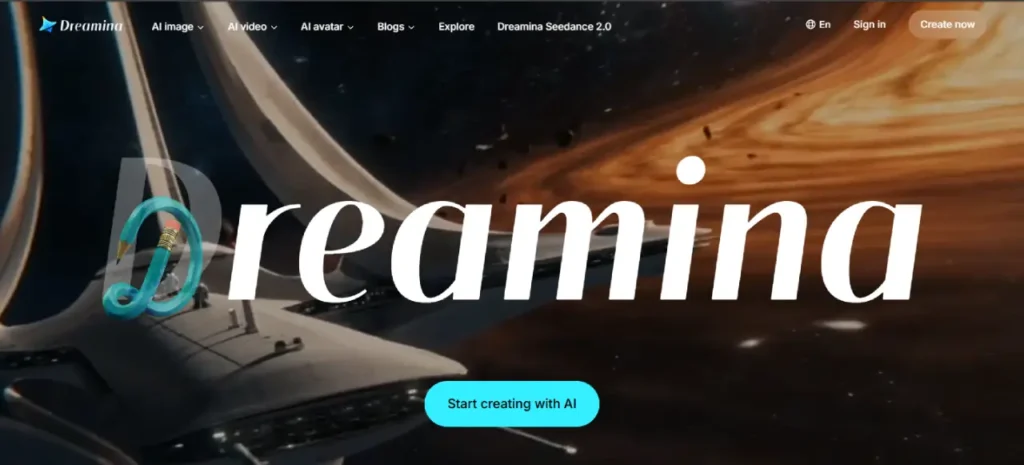
5. Dreamina — Best for Accessible Multi-Model Creation (ByteDance / CapCut)
Best for: Creators who want high-quality Seedance-powered video generation, strong AI image tools, and free daily credits inside ByteDance’s creative ecosystem.
Dreamina is ByteDance’s all-in-one AI creative suite that brings together video generation, image creation, AI avatars, templates, and creative effects in a single platform.
It combines Seedance 2.0 for AI video, Seedream for image generation, Nano Banana-style image editing tools, and digital human capabilities, making it a well-rounded option for both beginners and experienced creators.
The free daily credits make it easy to start experimenting, while the paid plans unlock faster generation speeds and higher usage limits.
One thing I like about Dreamina is that it doesn’t feel like a technical AI tool.
Instead of navigating a developer-style interface, everything is designed around a smooth creative workflow, making it easy to move between images, videos, avatars, and templates without constantly switching platforms.
If you already use CapCut or other ByteDance products, the overall experience feels very familiar.
Pros
- High-quality Seedance-powered video generation for social and cinematic short clips.
- Unified image, video, and AI avatar workflows without feeling like a technical developer tool.
- Large collection of templates and creative effects for viral and social-first content.
- Generous free daily credits, making it easy to experiment before upgrading.
Cons
- Focuses primarily on ByteDance's own AI ecosystem rather than offering a wide selection of third-party models.
- Collaboration, brand management, and workflow automation are less advanced than platforms like Hedra or FLORA.
- Better suited for individual creators than teams managing large-scale production workflows.
Dreamina earns the second spot on my list because it delivers an excellent balance of video quality, ease of use, and accessibility.
If you’re looking for a fast, beginner-friendly AI video platform with strong image tools and generous free credits—especially if you’re already part of the CapCut ecosystem—it’s one of the best options available in 2026.
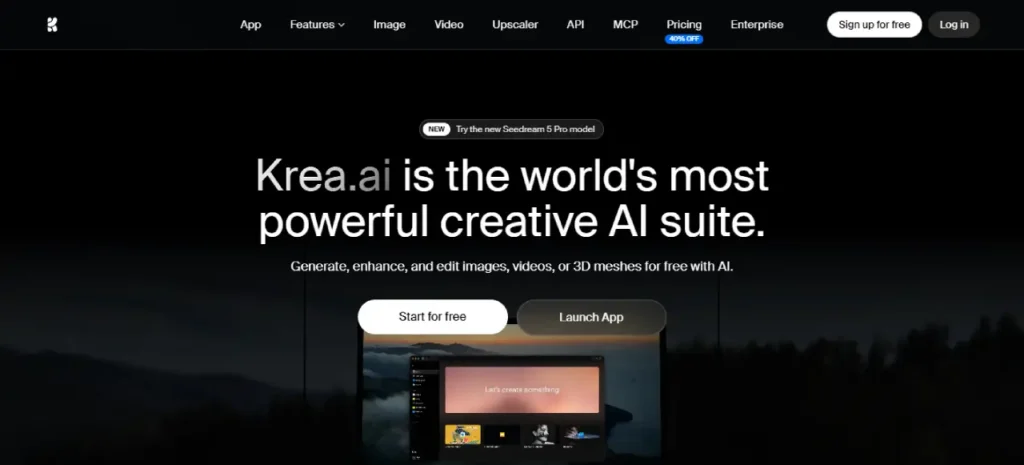
6. Krea — Best Realtime Creative Suite for Image + Video Experimentation
Best for: Creators who want access to multiple leading AI video models under one subscription, along with powerful realtime editing and enhancement tools.
Krea positions itself as an all-in-one AI creative suite, combining image generation, video creation, 3D tools, realtime enhancement, and editing into a single platform.
One of its biggest advantages is access to a wide range of leading AI models, including Veo, Sora, Kling, Wan, Runway, Seedance, Luma, Hailuo, and more, allowing you to experiment with different models without constantly switching between platforms.
What I like most about Krea is its creative workflow. Instead of simply generating a video and starting over, it’s built around a “generate, compare, and refine” process that encourages experimentation.
Its realtime generation and enhancement tools also make it easy to quickly iterate on ideas, which is especially useful for creators who enjoy testing different styles before settling on a final result.
Pros
- Access to a broad selection of leading AI video models with a single subscription.
- Excellent workflow for generating, comparing, and refining creative ideas.
- Powerful realtime generation, enhancement, and editing tools beyond standard text-to-video.
- Beginner-friendly free plan that makes it easy to explore the platform before upgrading.
Cons
- Collaboration and agent-driven production workflows aren't as advanced as platforms like Hedra.
- Credit usage across multiple AI models can become difficult to predict for heavy users.
- Team collaboration and brand management features aren't as comprehensive as platforms built specifically for agencies.
Krea is an excellent choice if your priority is experimenting with multiple AI models and refining creative ideas in real time.
Its broad model support and powerful enhancement tools make it one of the most versatile creative suites available.
However, if your focus is managing large campaigns, collaborating with a team, or building end-to-end AI production workflows, I still think Hedra offers a more complete solution.
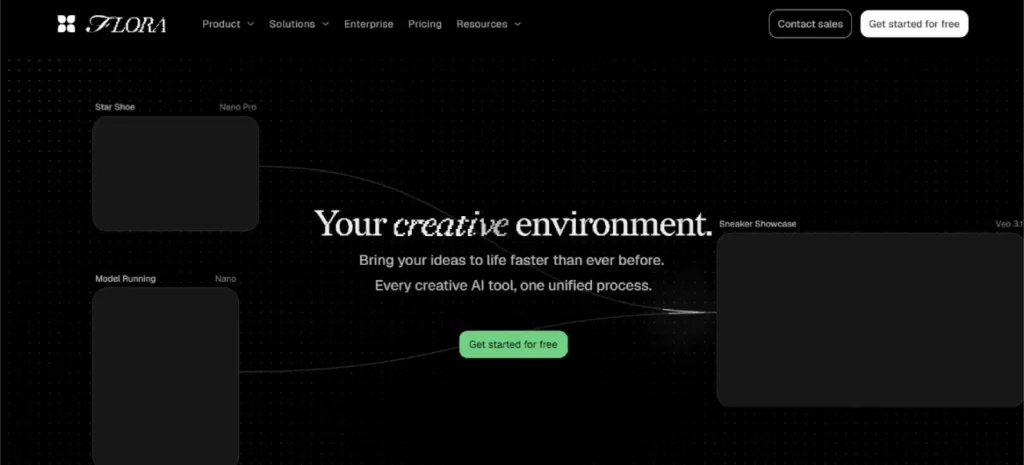
7. FLORA — Best Generative Canvas for Design and Agency Workflows
Best for: Designers, creative agencies, and brand teams that prefer visual workflows with reusable techniques and access to multiple AI models.
FLORA (Flora Fauna) takes a different approach from traditional AI video generators.
Instead of relying on a simple prompt box, it gives you an infinite generative canvas where you can build creative workflows using nodes, collaborate with your team, and access more than 50 leading AI models from a single workspace.
It also includes FAUNA, FLORA’s AI creative agent, which helps streamline parts of the creative process.
What really makes FLORA stand out is its focus on design workflows.
It’s built for teams working on branding, advertising campaigns, VFX concepts, fashion projects, and other creative productions where consistency matters.
Features like reusable Techniques—including character locking, logo-to-brand identity workflows, mood boards, and other production templates—make it much easier to maintain a consistent creative direction across larger projects.
Pros
- One of the best node-based creative canvases for exploring and refining ideas.
- Access to more than 50 leading AI models, including Veo, Sora, Kling, Seedance, Runway Gen, Flux, and more.
- Built specifically for designers, agencies, and enterprise creative teams.
- Reusable Techniques help speed up production and maintain consistency across projects.
Cons
- The node-based workflow comes with a steeper learning curve than traditional prompt-to-video generators.
- Pricing can become expensive for solo creators or smaller teams.
- While FAUNA adds useful AI assistance, FLORA isn't as focused on end-to-end agent-driven production and workflow automation as Hedra.
FLORA is one of the strongest choices for designers and agencies that work across multiple AI models and need a flexible visual workflow.
If your biggest challenge is managing creative projects across different models while keeping everything organized, FLORA is an excellent option.
However, if you’re looking for a more complete AI workspace with deeper agent-led collaboration and end-to-end production workflows, I still think Hedra has the edge.
Considered but Not Listed
I also evaluated the following AI video generators while putting together this ranking. Each platform has its own strengths and can be a good fit for certain workflows, but they didn’t make my final top nine.
That doesn’t mean they’re bad tools—it simply means I wouldn’t recommend them as the default choice for most creators, marketers, or production teams.
Higgsfield
Why you might consider it:
Higgsfield offers several impressive features, including cinematic camera presets, support for multiple AI models, lip-sync and talking avatar tools, and draw-to-video generation.
If your priority is creating cinematic shots with dynamic camera movements, it’s definitely worth exploring.
Why I didn’t include it:
During my research, I came across multiple independent reports and user discussions raising concerns about marketing claims, “unlimited” plan promotions, queue times, throttling, and the overall billing experience.
Whether or not these issues affect every user, they make it difficult for me to recommend the platform as a predictable option for professional production teams.
I’m not making any legal conclusions here—I simply encourage you to review the available sources and the latest pricing before making a decision.
ImagineArt
Why you might consider it:
ImagineArt has grown into a capable AI creative suite that combines image generation, video creation, voice tools, and access to multiple leading AI models.
Depending on your subscription, you can generate content using models like Runway, Sora, Veo, Kling, and others, along with editing tools aimed at social media creators and marketers.
Why I didn’t include it:
ImagineArt is a solid multi-model platform, but I don’t think it stands out enough in any one category to earn a place in my top nine.
It isn’t designed as a collaborative AI workspace like Hedra, doesn’t offer the same professional creative controls as Runway, and isn’t as workflow-focused as ComfyUI Cloud.
It also overlaps heavily with platforms like OpenArt and Krea, which I believe offer a stronger overall experience for the same type of work.
InVideo
Why you might consider it:
InVideo is designed for creators and marketers who want to turn ideas into finished videos as quickly as possible. Its AI features, including Agent One, templates, and support for multiple AI models such as Seedance, Veo, and Kling on paid plans, make it particularly useful for social media content, explainer videos, Meta ads, and other marketing projects.
Why I didn’t include it:
While InVideo excels at producing polished marketing videos with minimal effort, it focuses more on template-driven creation than open-ended AI video generation. If your goal is building advanced creative workflows, experimenting across multiple frontier models, or collaborating inside a visual AI workspace, I think platforms like Hedra and Runway provide greater flexibility depending on your workflow.
Synthesia
Why you might consider it:
Synthesia remains one of the leading AI avatar platforms for corporate training, internal communications, product demonstrations, multilingual presentations, and other business-focused videos.
If you need realistic AI presenters delivering scripted content, it’s still one of the strongest options available.
Why I didn’t include it:
Synthesia is excellent at what it was designed for, but it’s built for a different purpose than the platforms in this ranking.
My list focuses on AI video generators that support open-ended creative production, multi-model workflows, and visual content creation. If your primary goal is producing avatar-led training videos or business presentations, Synthesia is an excellent choice.
However, for broader AI filmmaking, creative campaigns, and multi-model production, I think the platforms in my top nine are a better fit.
Higgsfield, ImagineArt, InVideo, and Synthesia are all capable AI platforms, and each one serves a specific audience well.
However, for most creators and production teams, I believe the nine platforms in this ranking offer a better balance of video quality, workflow, flexibility, and long-term usability.
If you specifically need cinematic camera presets, an all-in-one creative suite, template-driven marketing videos, or AI avatar presentations, these alternatives are still worth considering.
How to Choose the Best AI Video Generators
Choosing the right AI video generator depends on your creative goals, workflow, and experience level. Here’s when each tool makes the most sense:
- Choose Kling if you want the highest-quality cinematic videos with realistic motion, excellent prompt understanding, and stunning text-to-video or image-to-video results.
- Choose Runway if you’re a filmmaker, marketer, or content creator who needs professional AI video editing, advanced creative controls, and a polished all-in-one production platform.
- Choose Luma if realistic camera movements, smooth animations, and cinematic image-to-video generation are your top priorities.
- Choose Hedra if you create AI talking avatars, character-driven videos, or storytelling content with natural lip-sync and expressive voices.
- Choose Dreamina if you’re looking for an easy-to-use platform for creating social media videos, creative visuals, and AI-generated content with free credits to get started.
- Choose Krea if you value speed, real-time AI generation, and fast image-to-video workflows for rapid content creation and creative experimentation.
- Choose FLORA if you prefer a collaborative AI creative workspace that combines multiple AI models into a visual workflow for design, image, and video generation.
What to Look for When Choosing an AI Video Generator
Not all AI video generators offer the same features. Before choosing one, consider the following factors:
- Video Quality: Does the tool generate realistic, high-resolution videos with smooth motion and consistent visuals?
- Text-to-Video & Image-to-Video: Does it support both text prompts and image-based video generation?
- Consistency: Can it maintain the same characters, style, and scenes across multiple shots?
- Ease of Use: Is the interface beginner-friendly, or does it require advanced technical knowledge?
- Editing Features: Does it include tools for video editing, camera controls, lip sync, or motion adjustments?
- Speed & Performance: How quickly can it generate videos without sacrificing quality?
- Pricing & Credits: Does the pricing fit your budget, and are the available credits enough for your workflow?
- Commercial License: Can you legally use the generated videos for YouTube, marketing, client projects, or commercial purposes?
- Export Options: Does it support high-resolution exports, multiple aspect ratios, and formats suitable for social media and professional editing?
Frequently Asked Questions
For most creators, Kling is the best AI video generators in 2026 thanks to its exceptional video quality, realistic motion, cinematic camera movements, and impressive text-to-video and image-to-video capabilities. It consistently produces some of the most lifelike AI-generated videos available today.
If you’re looking for professional filmmaking and advanced editing tools, Runway is an excellent choice. Luma stands out for its realistic camera motion and cinematic visuals, while Hedra is the top option for AI talking avatars and character-driven storytelling. Dreamina is ideal for beginners and social media creators, Krea excels at fast AI-powered image and video generation, and FLORA is best suited for collaborative creative workflows that combine multiple AI models in a visual workspace.
Ultimately, the best AI video generator depends on your specific needs, budget, and creative workflow.
An AI video model is the underlying technology that generates videos from text prompts or images. It powers the video creation process by producing motion, scenes, and visual effects.
An AI video generator is the complete platform built around one or more AI models. It provides the user interface, editing tools, templates, asset management, export options, collaboration features, and pricing plans that make creating videos easy.
For example, platforms like Kling, Runway, Luma, Hedra, Dreamina, Krea, and FLORA are AI video generators. While some use their own proprietary AI models, others may integrate multiple models to offer different video generation styles and capabilities.
In short, the AI model creates the video, while the AI video generator provides everything you need to generate, edit, and export it.
For beginners, Dreamina is one of the easiest AI video generators to start with thanks to its intuitive interface, simple workflow, and free plan for experimenting with AI-generated videos.
Krea is another excellent option if you want fast results with minimal learning, while Runway offers a clean, beginner-friendly experience that also includes powerful editing tools as your skills grow.
If you’re interested in creating AI talking avatars and character-driven videos, Hedra is a great choice with an easy-to-follow creative workflow. More advanced platforms like FLORA are better suited for experienced creators or teams who need collaborative, multi-model workflows.
No matter which platform you choose, don’t base your decision solely on free credits. Consider video quality, ease of use, editing features, export options, and pricing to find the AI video generator that best fits your needs.
Most AI video generators offer a free plan or free credits for new users, making it easy to test the platform before subscribing. Paid plans typically start between $7 and $20 per month for individual creators, while premium and business plans with higher generation limits, advanced features, and team collaboration tools cost more.
The right choice depends on your budget, how often you generate videos, and the level of quality and features you need.
Yes.
Most leading AI video generators, including Kling, Runway, Luma, Hedra, Dreamina, Krea, and FLORA, allow commercial use through their paid plans.
However, licensing terms vary between platforms and subscription tiers.
Before using AI-generated videos for client work, advertising, or business projects, always review the platform’s commercial licensing policy to ensure your intended use is permitted.
Not necessarily.
Most creators can accomplish everything they need with a single AI video generator.
Choose the platform that best matches your workflow and creative goals, then only use additional tools if they offer unique features or better video quality for specific projects.
For example, you might use Kling for cinematic videos, Runway for editing, or Hedra for AI avatar content, but most users don’t need multiple subscriptions.
If you’ve made it this far, I genuinely want to thank you for taking the time to read this guide.
I really appreciate your interest in AI video generation, and I hope this ranking helped you find the right AI video generator for your needs.
The AI video space is evolving incredibly fast, with new models, features, and platforms launching all the time.
I’ll continue testing these tools, updating this ranking, and publishing more in-depth guides as the industry evolves, so you can always find the latest and most practical information here.
This website is dedicated to AI video generation because it’s a field I’m genuinely passionate about.
I enjoy exploring new AI tools, comparing what actually works, and sharing my honest thoughts to help creators make better decisions without wasting time or money.
Thanks again for reading, and I hope to see you in my next AI video guide. Happy creating!